Customer and NPS feedback
Summarize reasons behind ratings and identify recurring product, service, pricing, or support language.
Turn open-ended survey responses into a survey word cloud that reveals recurring language and gives stakeholders a quick visual entry point into the feedback.
Open-ended survey answers, NPS comments, employee pulse checks, and event feedback.
Export the responses for one question at a time and remove names, email addresses, IDs, and other personal information. Clean repeated question text, combine spelling variants, and decide whether phrases such as customer service or work life should stay together. Analyze different respondent groups separately when their experiences may differ.
Use the word cloud to introduce the themes, not to replace quantitative analysis or careful coding. Frequent terms can guide further investigation, but they may represent praise, criticism, or neutral descriptions. Pair the visual with response counts, representative quotations, segment comparisons, and the original survey question.
Summarize reasons behind ratings and identify recurring product, service, pricing, or support language.
Explore repeated themes around workload, communication, leadership, recognition, and team experience.
Visualize attendee takeaways, speaker feedback, future topic requests, and suggestions for the next event.
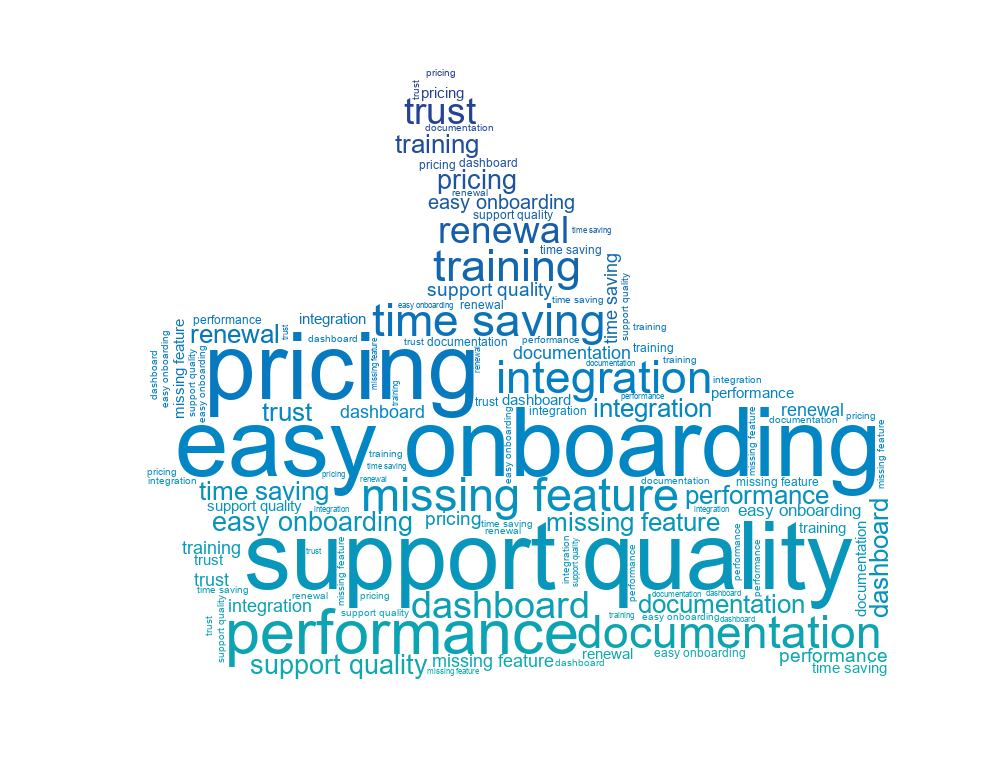
Promoter and detractor themes from open-ended NPS answers.
Employee engagement survey terms for HR review.
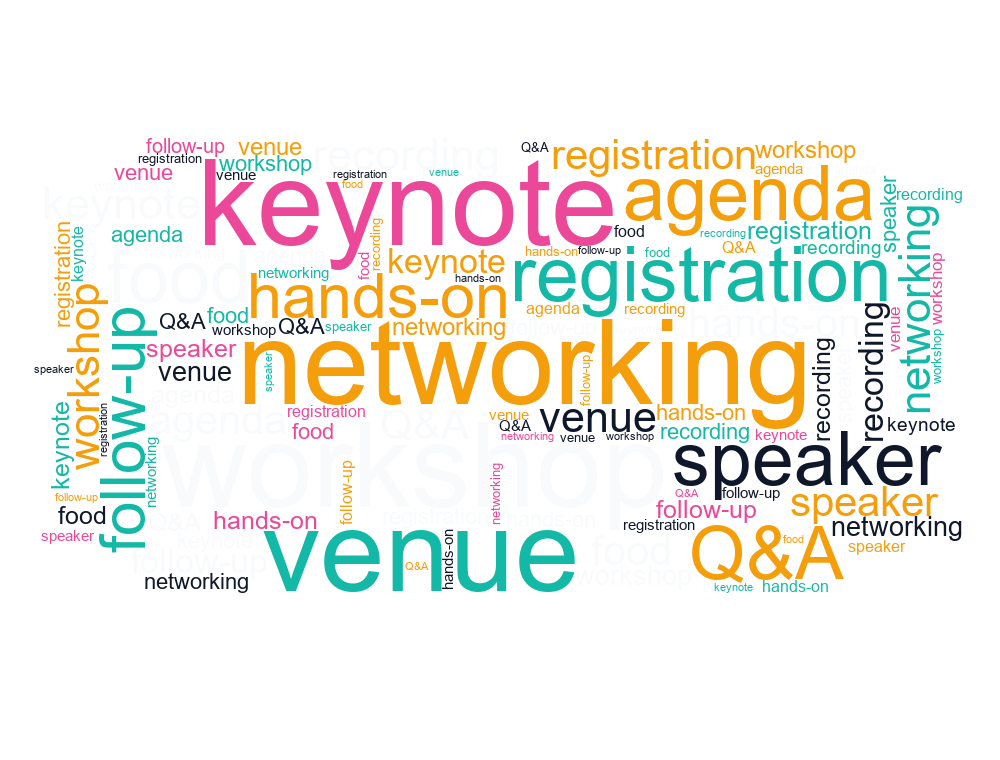
Attendee feedback from a conference or workshop.
Export one open-ended question, remove personal data and repeated boilerplate, paste the cleaned responses into the editor, review the extracted terms, and generate the cloud.
No. Size normally means the term appeared more often. Read the original responses or separate positive and negative comments to understand sentiment.
Yes. Create separate clouds using the same cleaning and weighting rules, then compare recurring terms alongside response counts and other survey metrics.