International event feedback
Visualize responses by language or combine translated themes into one summary for a global audience.
Create readable word clouds in multiple languages with suitable fonts, language-specific text processing, and layouts that respect different scripts and word lengths.
Language-specific word cloud examples for supported UI and content languages.
Select the correct text language before importing content so tokenization and common-word filtering match the script. Languages that use spaces can often be processed by word boundaries, while Japanese and Chinese require language-aware segmentation. Review the extracted terms before generating because names, compound phrases, and domain-specific vocabulary may need manual adjustment.
Choose fonts that contain every character used in the text. A missing glyph may appear as an empty square even when the word list is correct. When several languages share one cloud, test the selected font, keep phrases short, and consider separate weights so one language does not dominate simply because its words are repeated more often.
Visualize responses by language or combine translated themes into one summary for a global audience.
Create vocabulary, reading, or topic clouds while preserving accents, non-Latin scripts, and appropriate fonts.
Compare customer language across countries without assuming that direct translations have identical meaning or frequency.
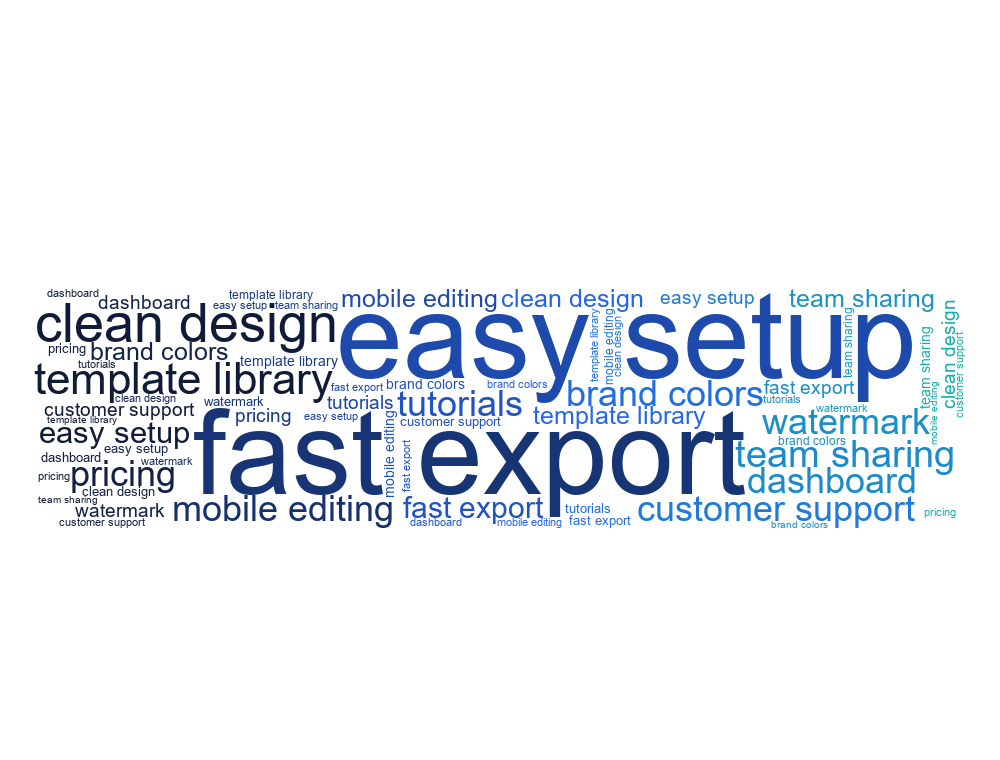
English review keywords from SaaS product feedback.
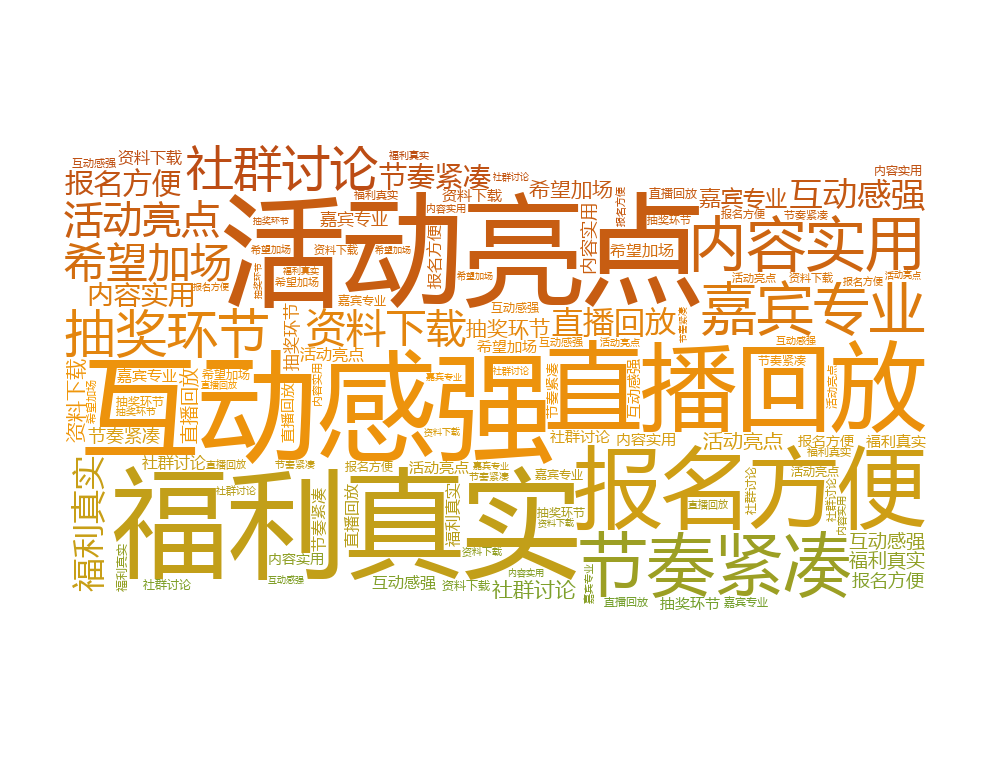
Chinese comments from an online campaign recap.
Japanese travel note keywords for a city trip word cloud.
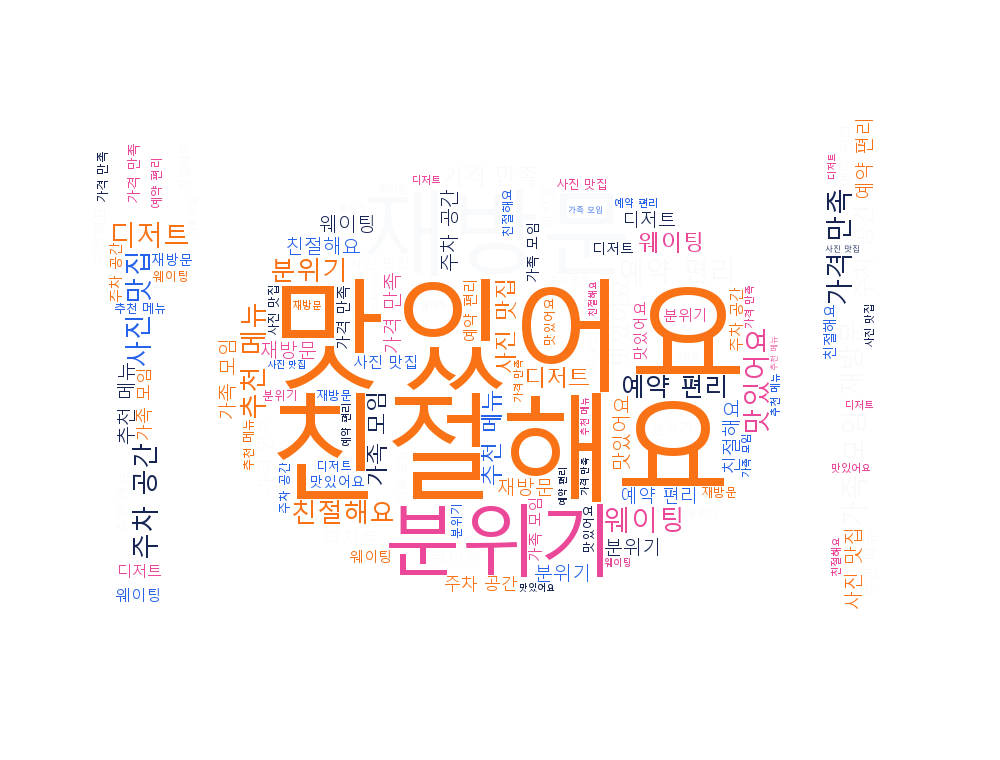
Korean customer review keywords for a restaurant.
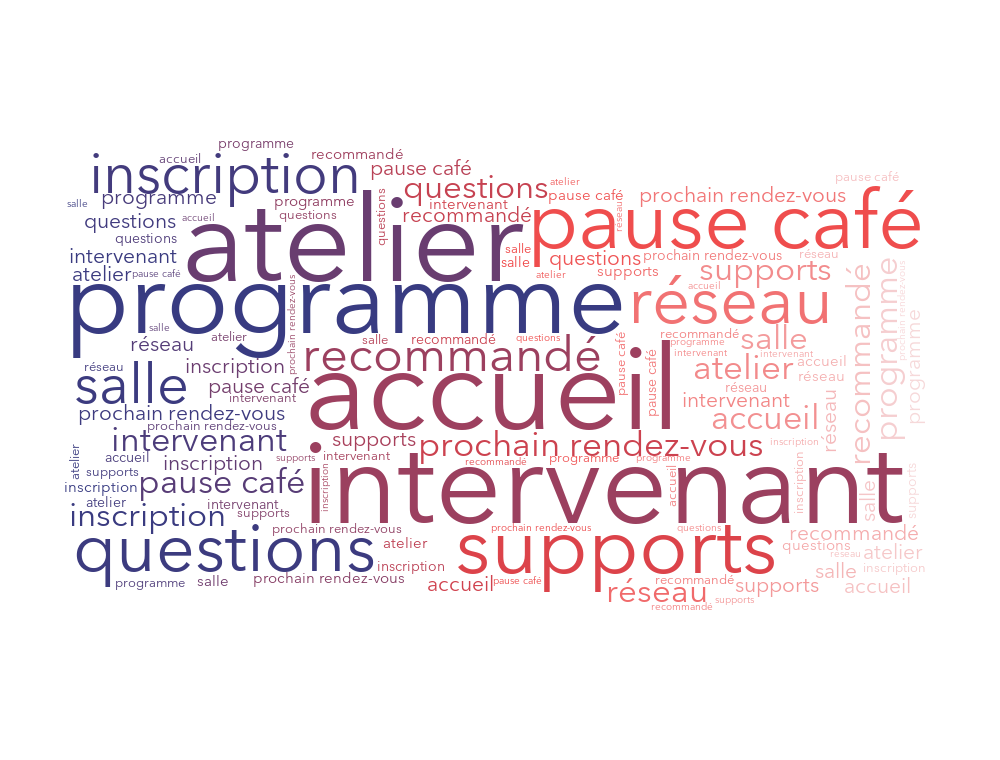
French attendee feedback from a workshop.
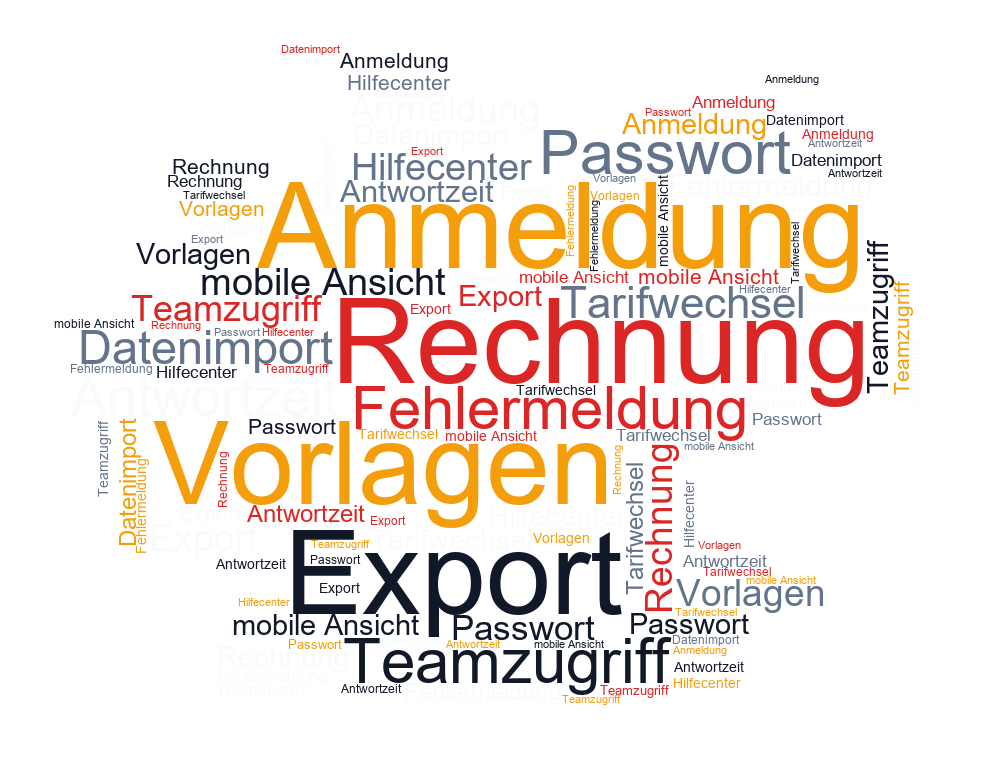
German support ticket themes for product operations.
Spanish social media comments for a brand post.
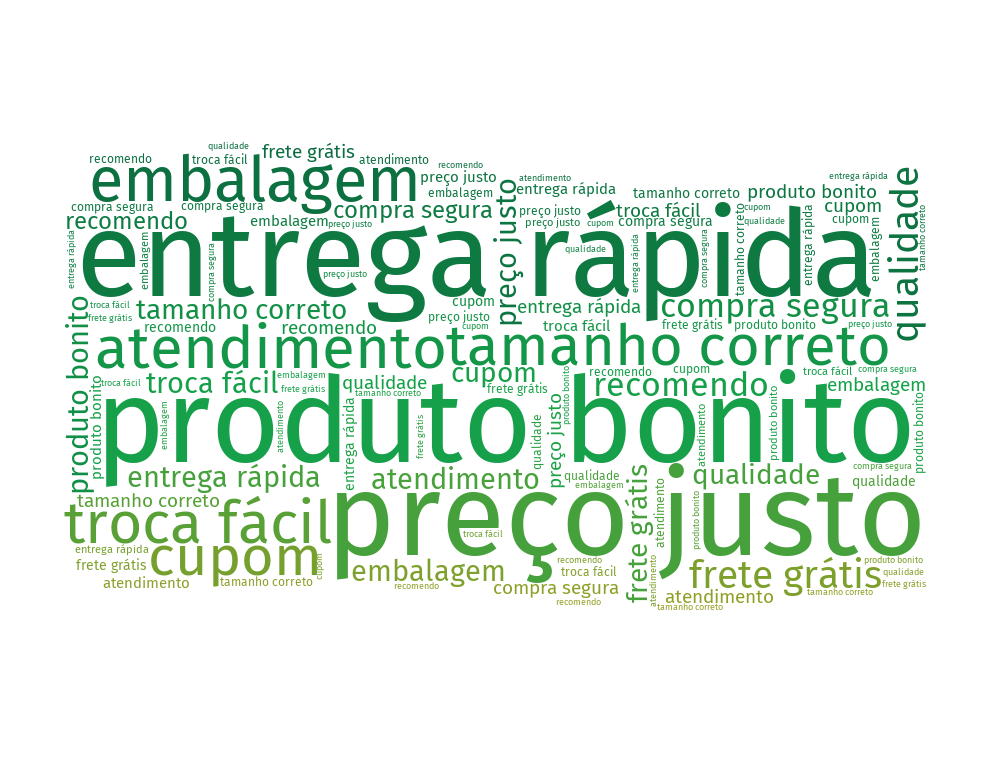
Portuguese ecommerce review terms from customer feedback.
Yes, provided the selected font supports all required characters. Review segmentation carefully when mixing scripts that follow different word-boundary rules.
The chosen font probably does not contain those glyphs. Switch to a font designed for the language or script and generate the cloud again.
Combine them only when the translations represent equivalent ideas. For comparison work, separate language-specific clouds often preserve more useful context.