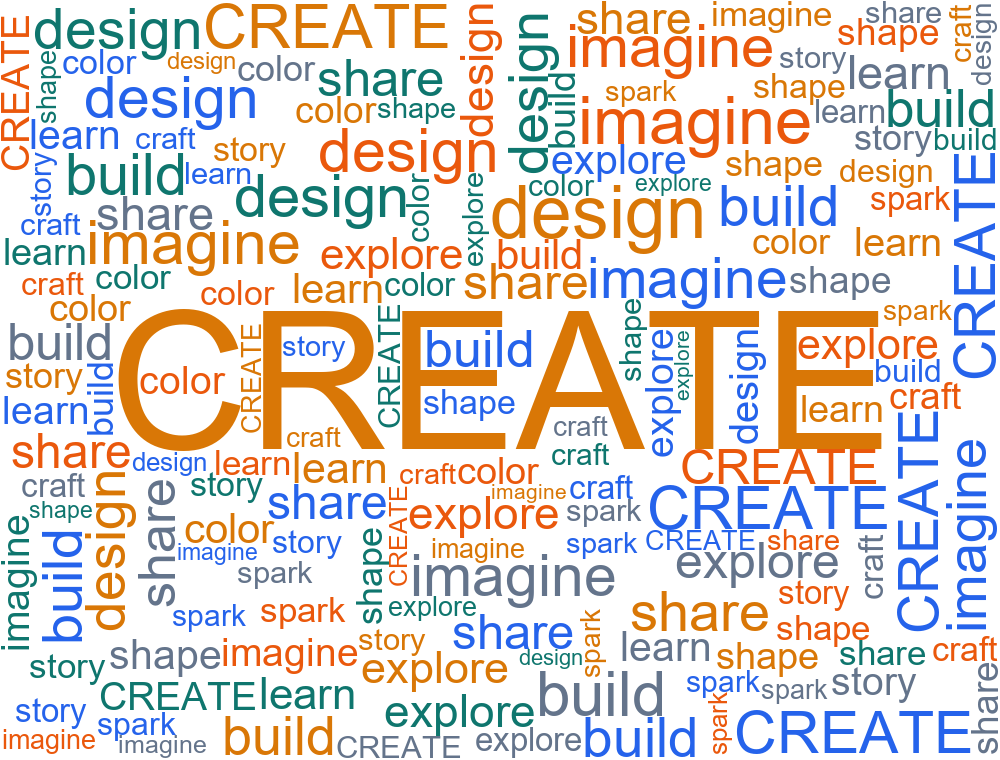
One Dominant Word
Set IMPACT to 100. Its first copy dominates; smaller copies fill the remaining space.
Explore practical ways to use word clouds for events, teaching, presentations, research, customer feedback, and social content, then open any ready-made setup in the Wordcloud.art editor.
Start with one prominent word, show clear size differences, then fill the gaps with smaller repeats.
Set the leading word to a much higher frequency than the rest, then adjust Word Scaling and the maximum font size to control the visible size contrast. The first copy of each word is sized by frequency; later smaller copies fill gaps.
Mark a word as Main when you want it centered even if its frequency is not the largest. Try each example in the editor and adjust the word list to see the change.
Set IMPACT to 100. Its first copy dominates; smaller copies fill the remaining space.
Mark 未来 as the main word so its large first copy stays in the center.
A centered CREATE, medium supporting themes, and small repeated words form a full cloud.