Hashtag campaign recap
Show the topics, slogans, products, and community phrases that appeared most often during a campaign.
Turn hashtags, comments, captions, and community language into a social media word cloud for campaign recaps, audience insights, and shareable graphics.
Creator posts, campaign captions, community recaps, and short-form content ideas.
Collect posts or comments from a defined campaign, account, event, or time period. Remove URLs, usernames, tracking codes, repeated platform labels, and generic calls to action. Decide whether hashtags should retain the hash symbol and combine capitalization variants so the same topic is not split into multiple entries.
Choose the output for its destination. A square or vertical layout works well in social feeds, while a wide animated cloud suits video and presentation recaps. Use high contrast, avoid placing too many tiny terms in the design, and verify that you have permission to process and republish audience content.
Show the topics, slogans, products, and community phrases that appeared most often during a campaign.
Explore repeated questions, reactions, and requests in comments before planning follow-up content.
Turn a selected set of terms into a short motion asset for a recap video, launch post, or event screen.
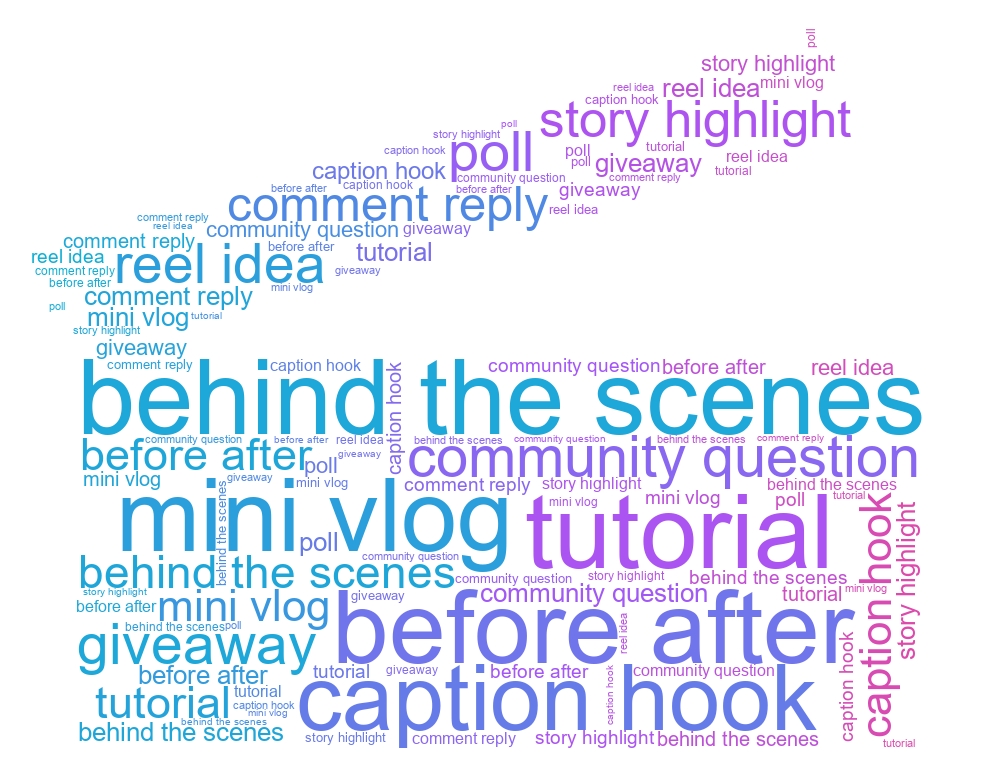
Content pillars and post ideas for a creator calendar.
Hashtags and community phrases for a launch recap.
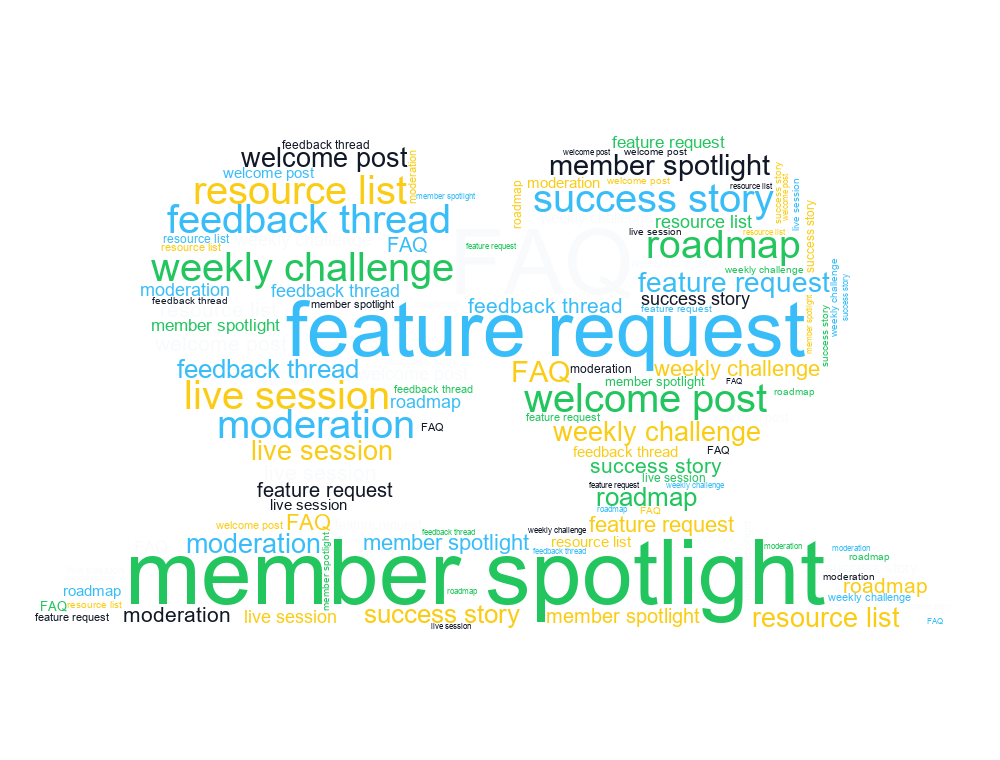
Recurring community topics from comments and replies.
Yes. Paste a cleaned hashtag list or post dataset, combine capitalization variants, assign weights from frequency, and generate the result.
Use only data you are authorized to process. Remove usernames and personal information, follow the platform terms, and avoid publishing private or sensitive text.
PNG is convenient for static posts. Use a supported animation format for short video or motion content, and choose a canvas ratio that matches the destination.