Executive summary
Visualize the recurring themes in a report, interview set, or quarterly review before presenting the detailed findings.
Turn reports, meeting notes, workshop feedback, and audience responses into a focused presentation word cloud that communicates the main themes at a glance.
Executive summaries, quarterly reports, roadmap slides, and meeting recaps.
A presentation word cloud should support a specific point rather than decorate an empty slide. Use it to summarize recurring terms in research, introduce the themes of a workshop, compare audience responses, or close a meeting with the ideas people mentioned most often. Clean the source text first so common filler words do not become the visual focus.
Keep the layout simple enough to read from the back of a room. A wide canvas, mostly horizontal words, strong contrast, and a limited color palette usually work best on slides. Export a transparent PNG for quick placement or SVG when the cloud needs to stay sharp at different sizes or match a presentation theme.
Visualize the recurring themes in a report, interview set, or quarterly review before presenting the detailed findings.
Use participant expectations, pre-session questions, or previous feedback to introduce the topics that matter to the group.
Combine short responses or poll answers and show the resulting themes during a discussion or closing slide.
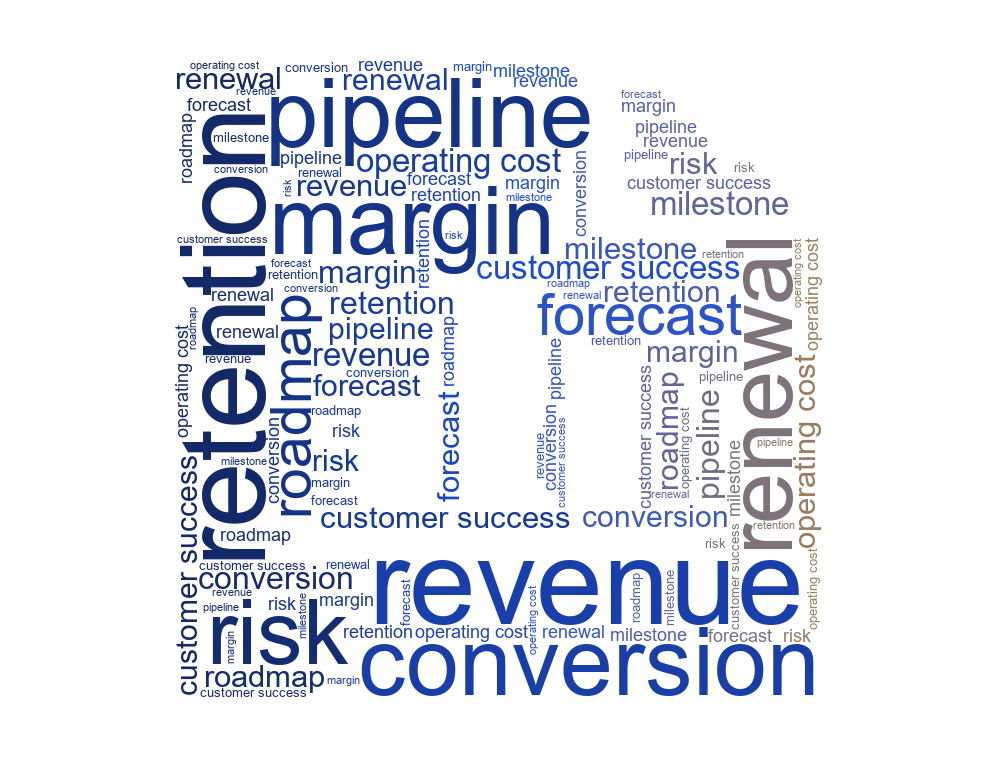
A compact executive-summary cloud for a business deck.
Animated opening slide for a company town hall.
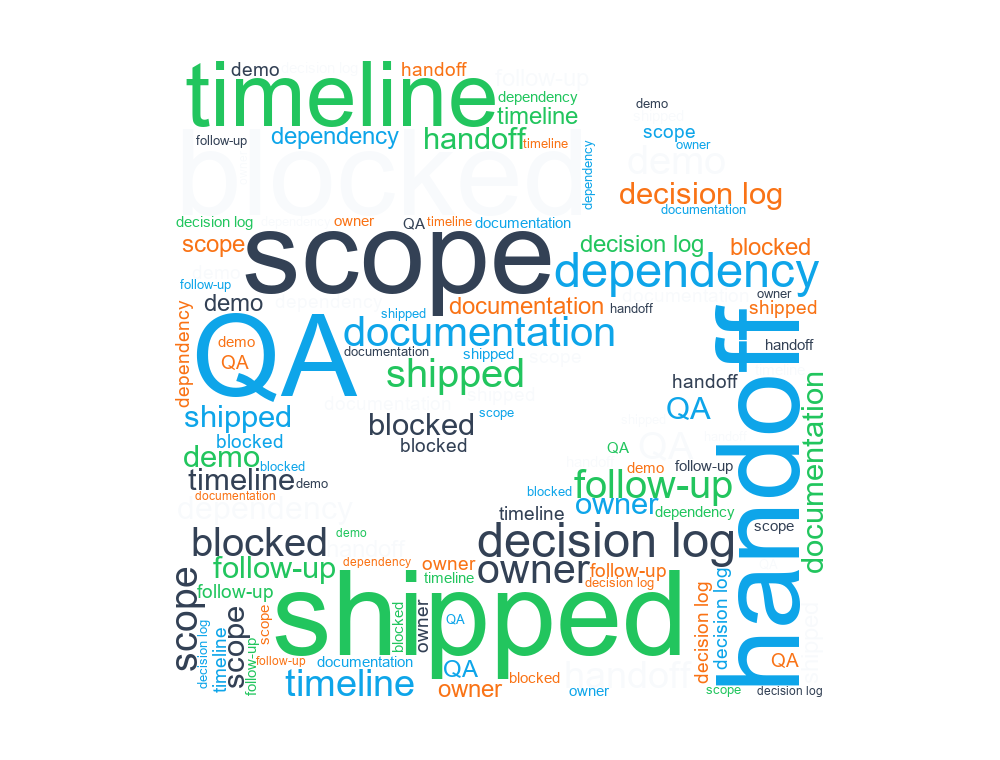
Project recap terms for a retrospective meeting.
Export PNG or SVG, then insert the file as an image. Transparent PNG is quickest, while SVG provides sharper scaling and more editing flexibility.
There is no fixed limit, but a focused set of roughly 20 to 60 meaningful terms is usually easier to read on a slide than hundreds of small words.
Yes. Use animation for an opener, transition, or reveal, but keep the motion brief and make sure the final arrangement remains readable.