What Is a Word Cloud? Meaning, Examples, and How to Make One
Word Cloud Definition
A word cloud is a visual display of words where the most frequent or important terms usually appear larger. It helps people see the main themes in text quickly, without reading every sentence first.
For example, if customer feedback mentions "support" many times, that word may appear larger than words mentioned only once. A word cloud is not a complete analysis by itself, but it is a useful starting point for exploring text, survey answers, classroom responses, reviews, speeches, or notes.
Simple example
Text: support, support, delivery, quality, quality, quality, price, app, refund.
Expected word cloud: "quality" appears largest, "support" appears next, and one-time words appear smaller.
How Does a Word Cloud Work?
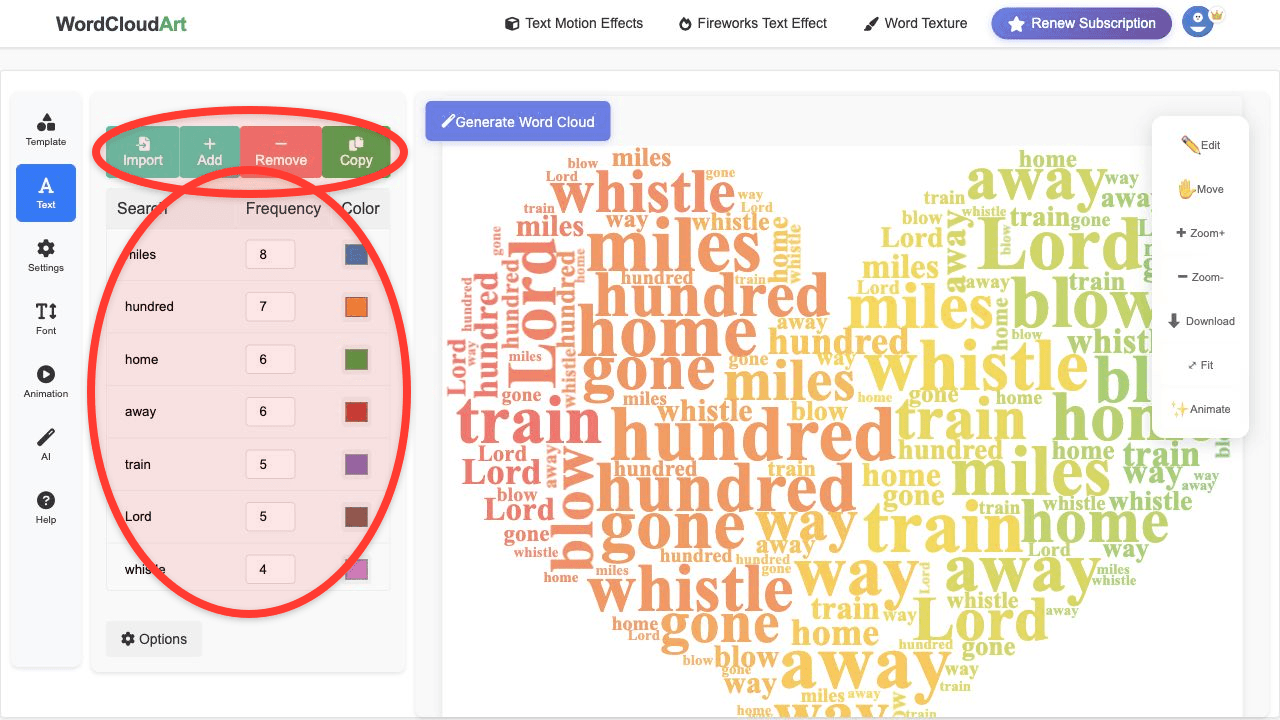
- Collect text. Start with an article, survey responses, lesson answers, meeting notes, or a keyword list.
- Clean the text. Remove filler words such as "the", "and", or repeated interface text.
- Count words or phrases. More frequent words usually receive higher visual weight.
- Choose a layout. Words are placed into a shape or canvas without overlapping.
- Style the cloud. Choose colors, fonts, background, and export format.
What Are Word Clouds Used For?
- Education: classroom word clouds for vocabulary lessons, reading warm-ups, student reflections, and class brainstorms.
- Business: customer feedback word clouds for review summaries, support themes, and product research.
- Presentations: presentation word clouds for opening slides, summary visuals, event screens, and workshop prompts.
- Surveys: survey word clouds for open-ended responses, questionnaire themes, and report visuals.
- Research: quick exploration before deeper text analysis.
- Creative design: posters, cards, social graphics, animated word art.
Word Cloud Examples
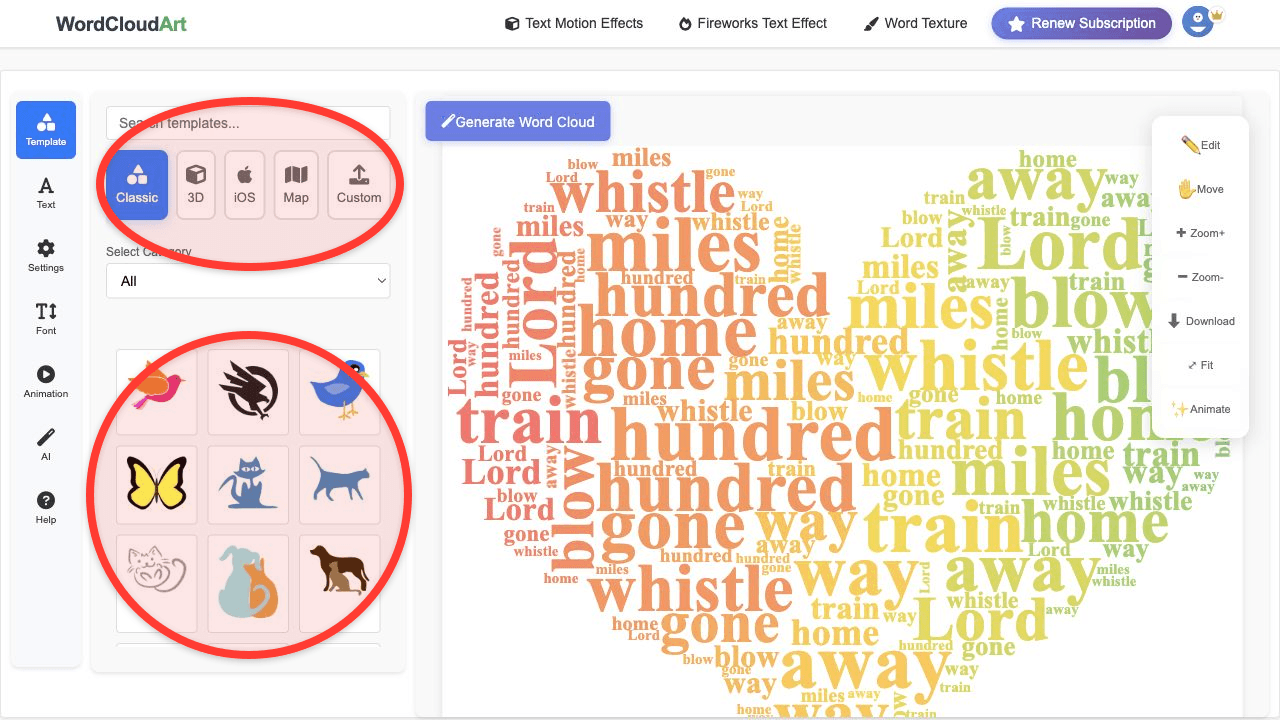
Word clouds can be plain and analytical, or shaped and artistic. A simple circle works well for reports. A heart works well for gratitude or wedding text. A map works well for geographic topics. Animated word clouds work well for presentations and short videos.
Word Cloud vs Tag Cloud
The terms are related, but they are not always used the same way. A tag cloud often shows website tags or categories as navigation. A word cloud usually visualizes words or phrases from text. In casual use, people sometimes use the terms interchangeably.
Limitations of Word Clouds
Word clouds are easy to understand, but they have limits. They can hide context, split phrases incorrectly, and overemphasize frequent but unimportant words. For serious analysis, use a word cloud as a starting point, then inspect the original text and phrase context.
If you want a deeper historical and critical discussion, read our longer article: From Data to Aesthetics: A Comprehensive Analysis of Word Clouds as a Text Visualization Paradigm.
How to Make a Word Cloud Online
- Open Wordcloud.art.
- Paste your text or add weighted keywords.
- Choose a shape or template.
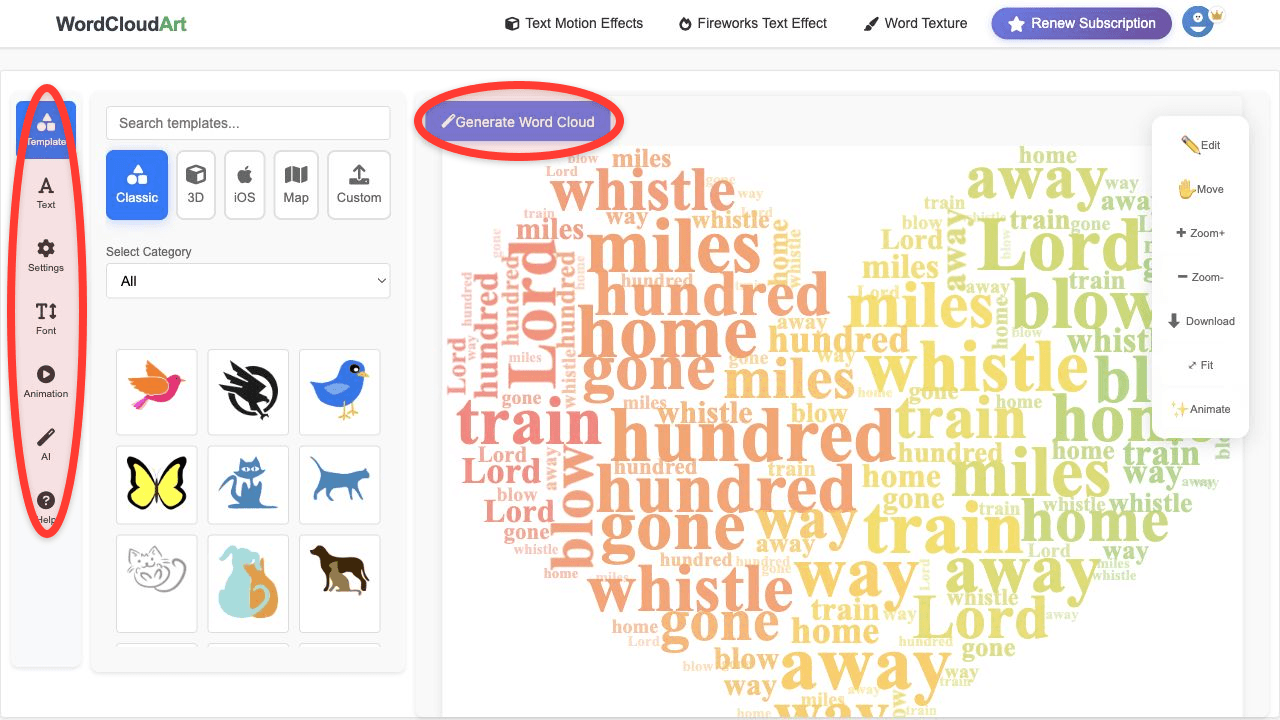
- Customize colors, fonts, spacing, and background.
- Use AI suggestions or animation if you want a more expressive result.
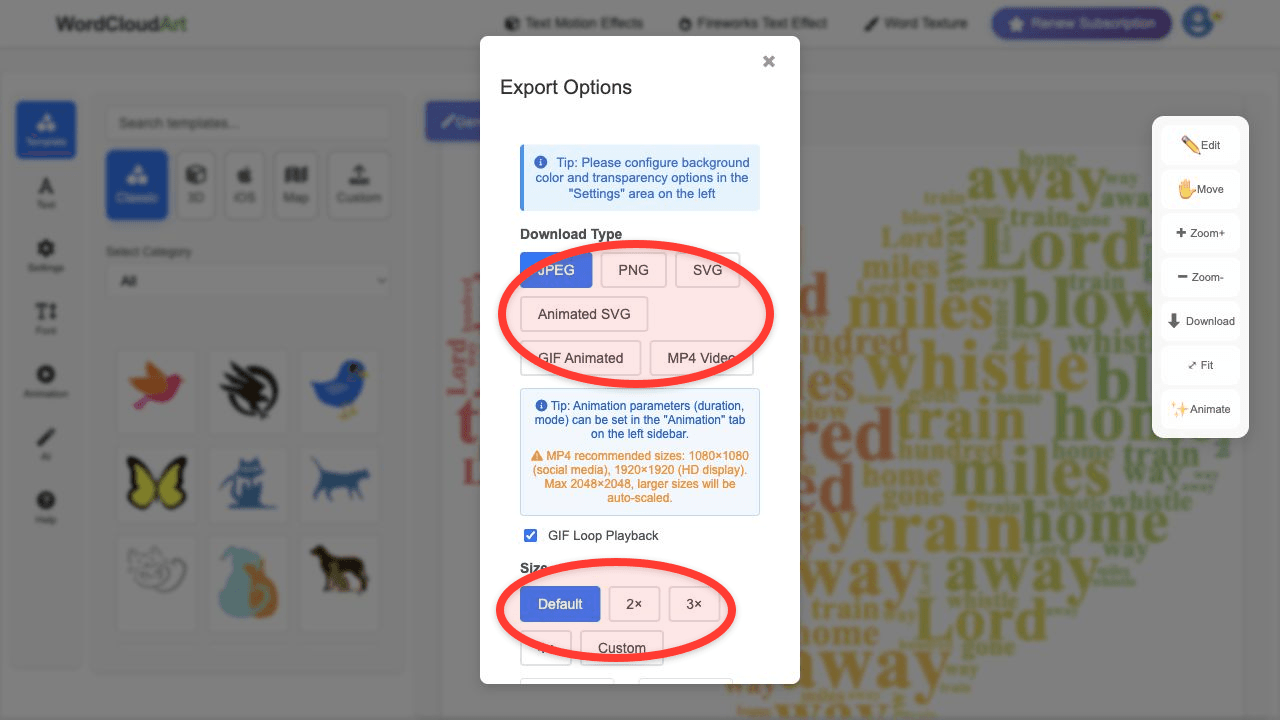
- Export the word cloud as PNG, SVG, GIF, or MP4.
Next steps: follow the practical word cloud generator tutorial, explore AI word clouds, or compare shape-based word cloud examples.
FAQ
What does a word cloud show?
It shows prominent words from a text or keyword list. Larger words usually mean higher frequency or stronger assigned weight.
Are word clouds accurate?
They are useful for quick visual summaries, but they are not a full analysis. Clean the text and review the context before drawing conclusions.
Can a word cloud include phrases?
Yes. Good word clouds often keep phrases together, such as "customer service" or "project management".
Can I make an animated word cloud?
Yes. In Wordcloud.art, create the base cloud, open Animation, choose motion settings, and export GIF, MP4, or Animated SVG.