Survey Word Cloud: Visualize Open-Ended Responses with Examples
What Is a Survey Word Cloud?
A survey word cloud summarizes open-ended responses by making repeated words or themes visually larger. It is useful for quickly showing what people mentioned most often before you move into deeper qualitative analysis.
The important part is cleanup. Raw survey exports often include filler words, different spellings, and repeated phrases. A good survey cloud groups meaningful terms like "customer service", "delivery speed", or "easy setup" so the visual does not split the meaning apart.
Example survey question
Question: "What did you like most about the product?"
Raw responses: easy setup, fast setup, support team, good customer service, packaging, delivery was fast, mobile app, simple app, helpful support, product quality, easy to use.
Cleaned keyword list: easy setup 2, customer service 2, delivery speed 1, mobile app 2, helpful support 1, product quality 1, packaging 1.
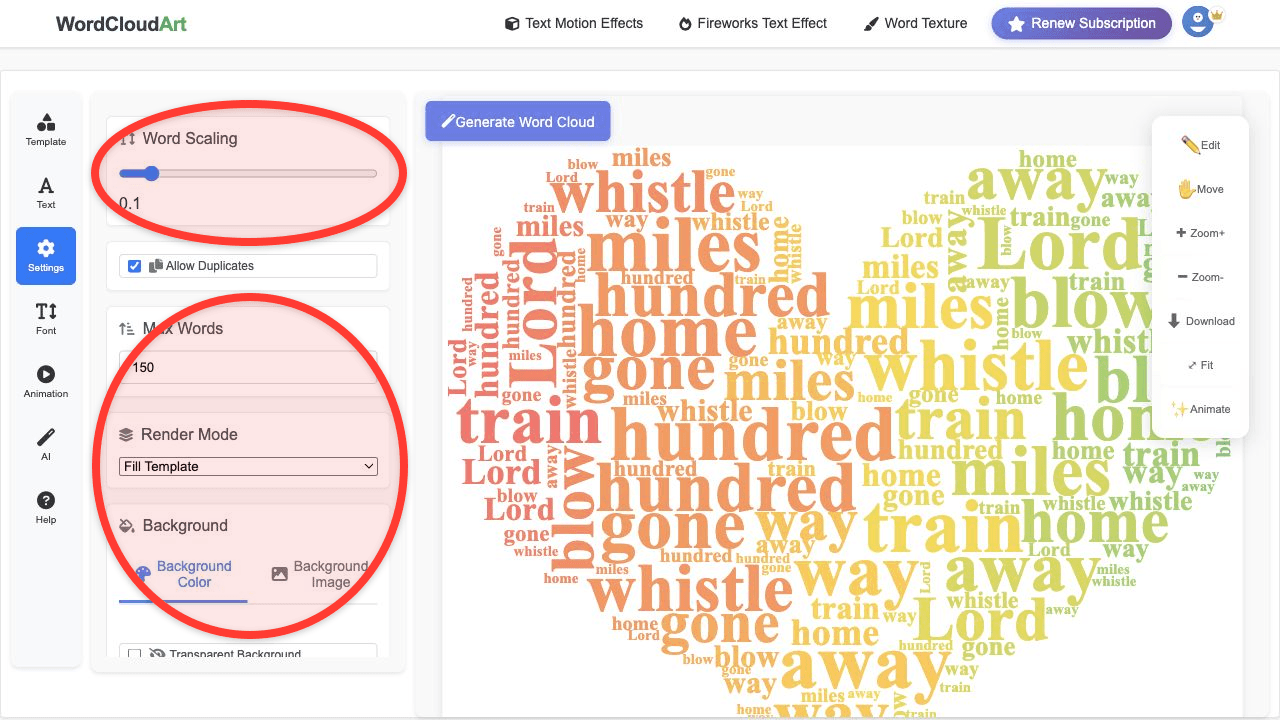
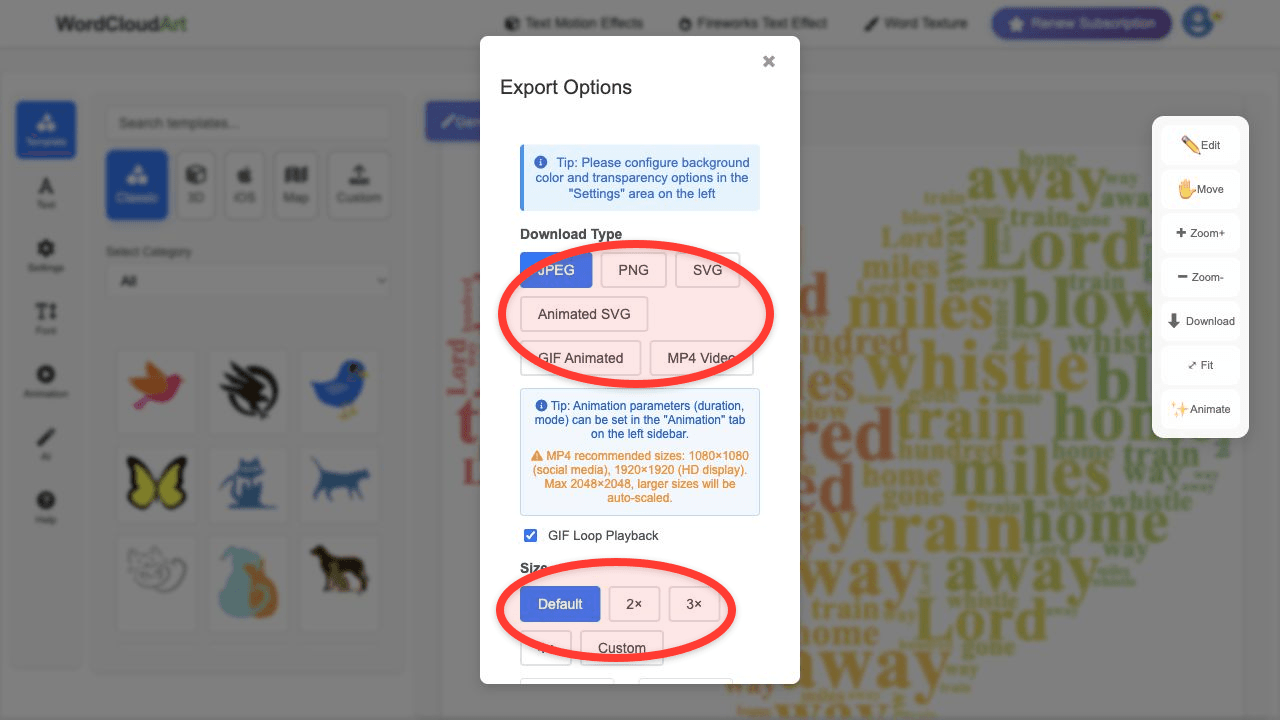
Best visual: simple circle or bubble, report-friendly colors, PNG for slide decks or SVG for high-resolution reports.
How to Prepare Survey Responses
- Export responses. Copy the open-ended answer column from your survey tool or spreadsheet.
- Remove boilerplate. Delete repeated labels, timestamps, usernames, or form field names.
- Merge synonyms carefully. Combine "fast delivery" and "delivery speed" only if they mean the same thing in your analysis.
- Keep important phrases together. Use "customer service" instead of separate "customer" and "service".
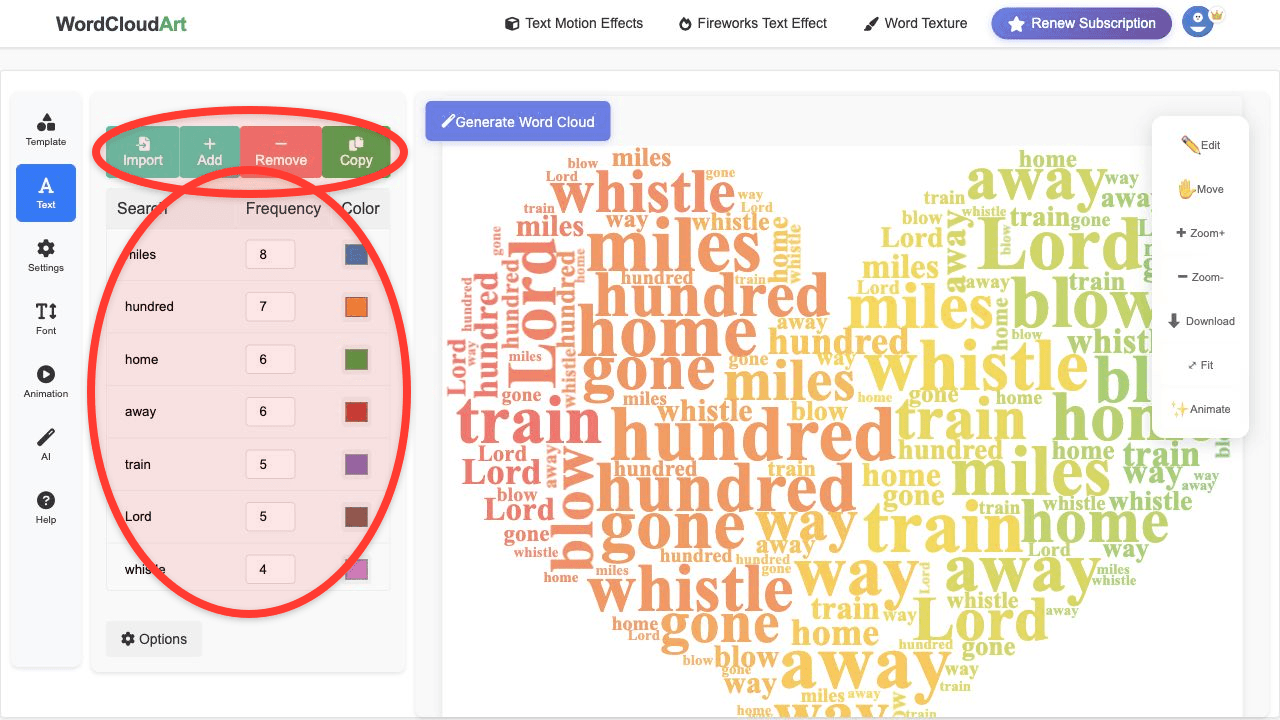
- Use weights. If you already counted themes manually, enter each theme with its count as the frequency value.
Survey Word Cloud Examples by Use Case
| Survey type | Example themes | Recommended output |
|---|---|---|
| Customer satisfaction | support, price, quality, delivery speed, packaging | PNG for presentation |
| Employee engagement | communication, workload, manager support, flexibility | SVG for report |
| Event feedback | speaker, networking, venue, registration, food | MP4 for recap |
| Course evaluation | clear examples, assignments, pace, feedback, discussion | PNG for faculty deck |
Example: Before and after cleanup
Raw: "I liked the app. The app was easy. It was easy to set up. Setup was fast. Customer service was good."
Bad cloud: app, easy, was, the, setup, customer, service.
Better cloud: mobile app 2, easy setup 2, customer service 1.
Why it matters: The better version keeps the actual insights intact instead of letting filler words dominate.
Export Tips for Survey Reports
- Use PNG when the word cloud goes into PowerPoint, Google Slides, or a quick report.
- Use SVG when the visual needs to stay sharp in a PDF or printed report.
- Use MP4 when you are presenting survey results in a meeting opener or event recap.
- Keep colors restrained for business reports. Use stronger colors only when the survey is for an event or social recap.
Related Guides
For broader business examples, see customer feedback word clouds. For slide design, continue with presentation word cloud examples.