Word Cloud Generator Shapes: Custom Shapes, Icons, and Templates
What Are Word Cloud Shapes?
A word cloud shape controls the outline that words fill. Instead of a plain rectangle, you can make words fit into a heart, circle, map, icon, logo-like silhouette, speech bubble, text outline, or 3D-style template. The shape gives the cloud a visual meaning before anyone reads the individual words.
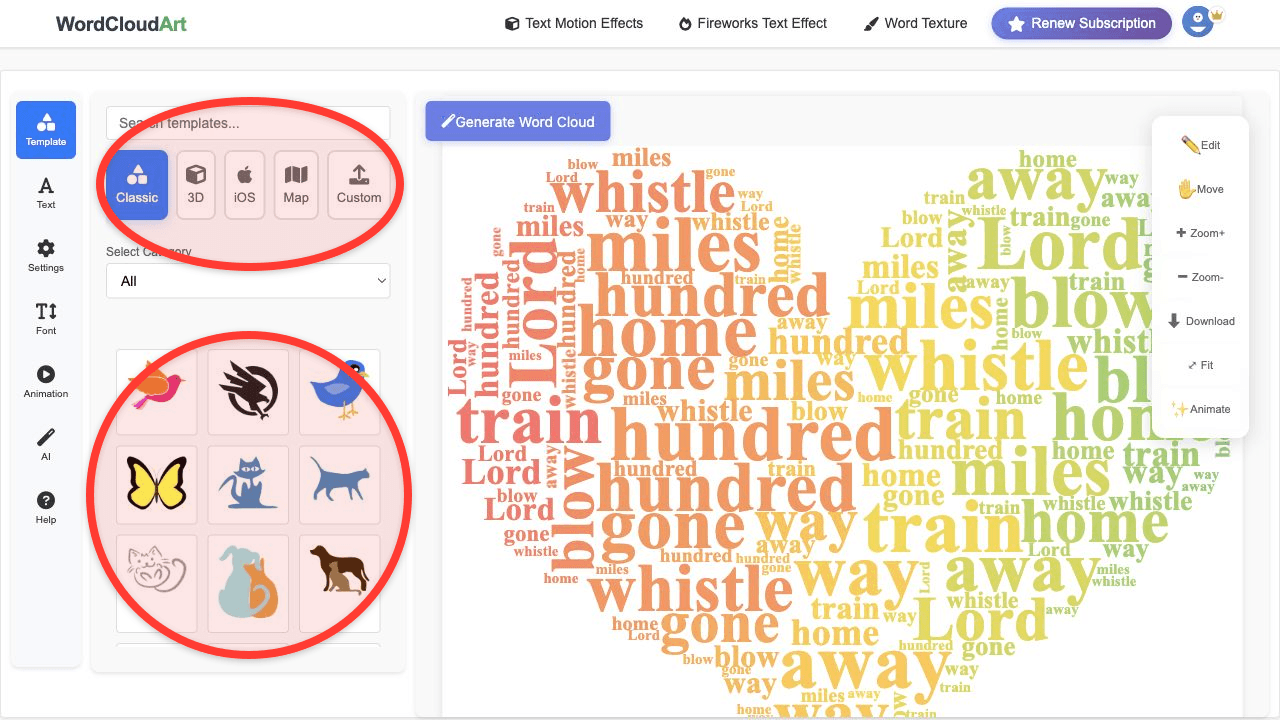
In Wordcloud.art, shapes are part of the main generator workflow. You do not need a separate shape tool: paste or edit your words, open Template, choose a shape category, render the cloud, then export the final image or animation.
Best Shape Types for Word Clouds
| Shape type | Best use | Example keywords |
|---|---|---|
| Heart | Love notes, weddings, gratitude, family, classroom appreciation | heart word cloud generator, love word cloud |
| Circle or bubble | Clean reports, social posts, speech themes, comments, brainstorms | word bubble, bubble word cloud |
| Map | Country reports, regional feedback, geography lessons, travel recaps | map word cloud, country word cloud |
| 3D icons | Playful posters, presentations, social media, event visuals | 3D word cloud shapes, 3D word cloud generator |
| Custom uploaded shape | Brand-style graphics, team icons, campaign visuals, custom silhouettes | custom shape word cloud |
How to Create a Custom Shape Word Cloud
- Open the generator. Go to Wordcloud.art.
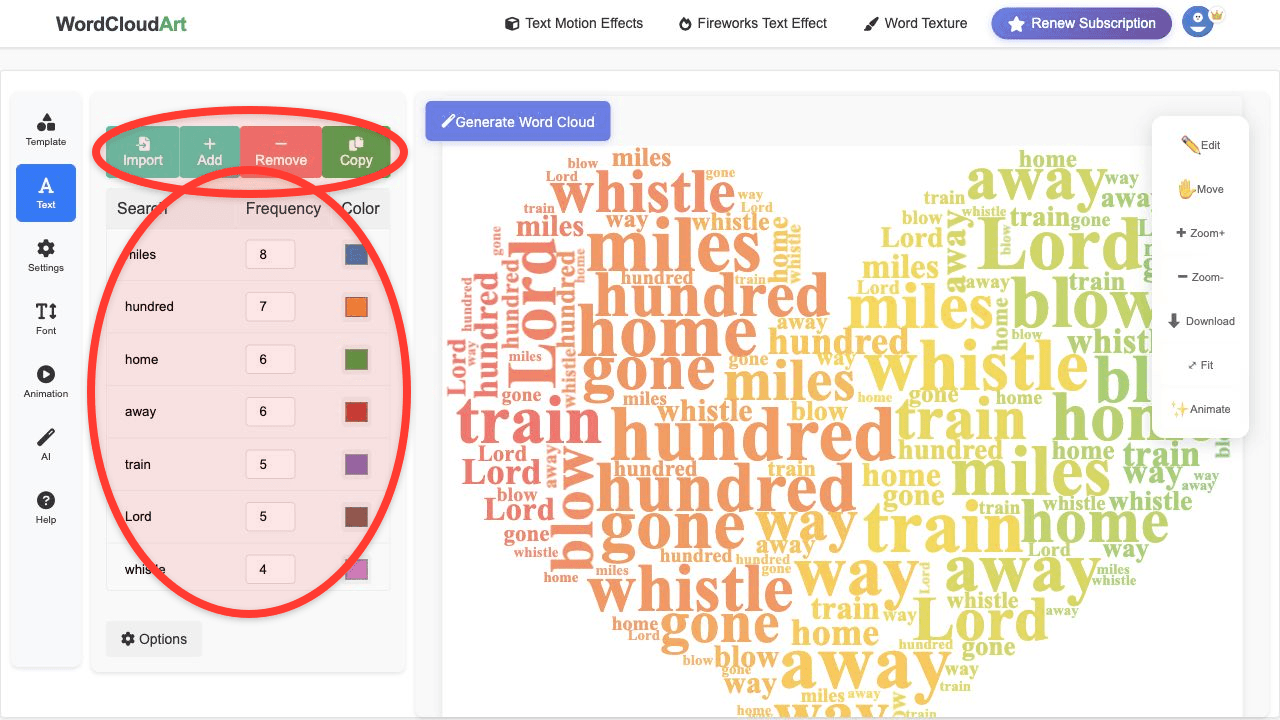
- Add your text. Paste text, import words, or edit weighted keywords in the Text panel.
- Choose a shape. Open Template and select Classic, 3D, iOS, Map, Custom, or Text templates.
- Render the word cloud. Check whether the biggest words fit the outline cleanly.
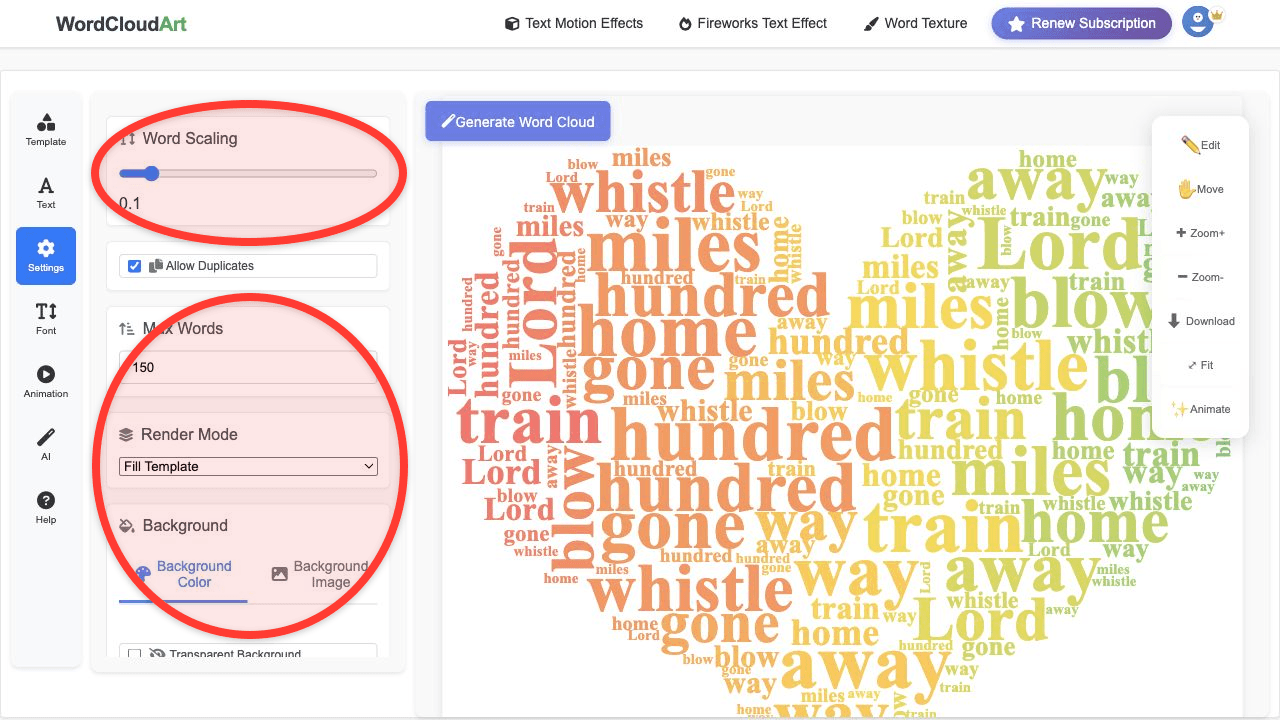
- Adjust spacing and word count. If the shape is detailed, reduce the number of words or increase spacing.
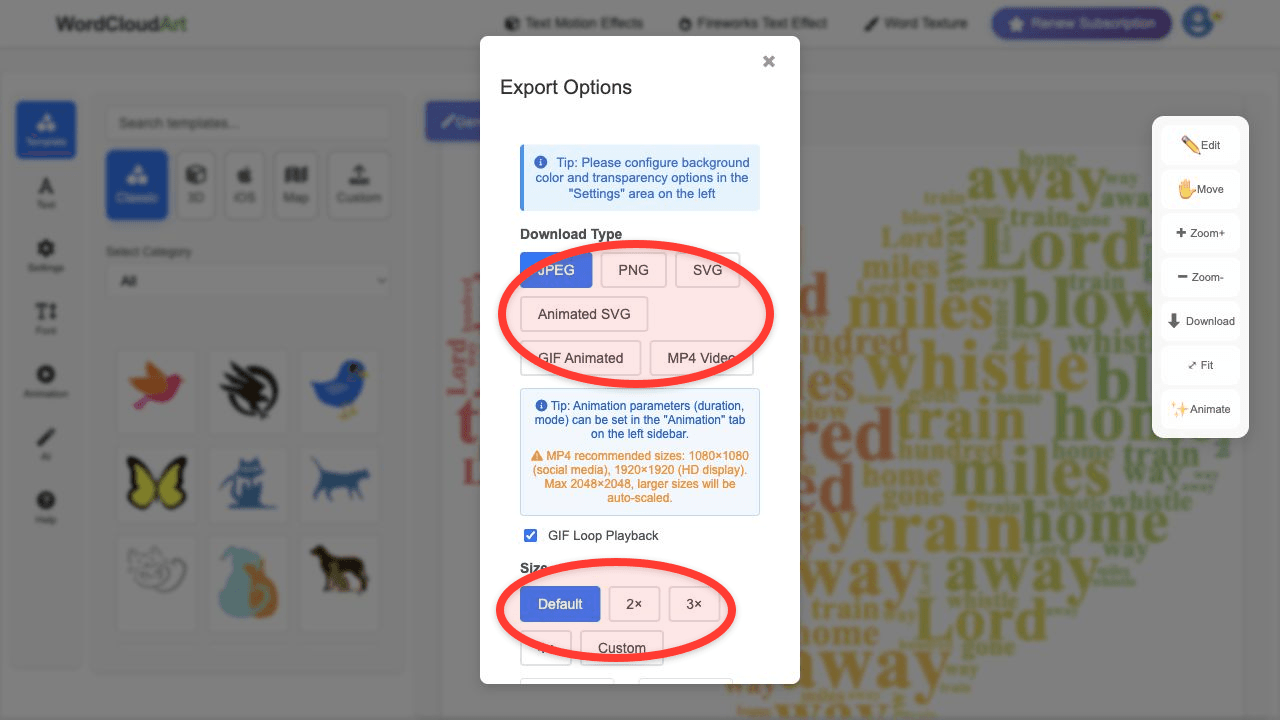
- Export. Download PNG or SVG for static designs, or use GIF/MP4 when the word cloud should move.
If you are still learning the full workflow, start with how to generate a word cloud online. If you want the shaped cloud to move, continue with the animated word cloud video guide.
Tips for Better Shape Results
- Use simple shapes when readability matters most.
- Use fewer words for detailed icons or narrow outlines.
- Keep important phrases together, such as "customer service" or "student engagement".
- Use high contrast between words and background.
- Export SVG when the shape will be printed large.
- Export MP4 or GIF when the shape needs motion for presentations or social posts.
FAQ
Can I make a word cloud in a heart shape?
Yes. Open Template, choose a heart shape, add your words, render the cloud, and export the result.
Can I upload a custom shape?
Use the Custom template option when you want a shape based on your own image or silhouette. Clear high-contrast shapes work best.
What is a word bubble?
A word bubble usually means a round or speech-bubble style word cloud. It is useful for comments, audience responses, classroom prompts, and social posts.
Are shaped word clouds good for SEO images?
They can support visual content when the image has a useful file name, descriptive alt text, and appears on a relevant page. The page content still matters more than the image alone.
Try a Word Cloud Shape
Choose a heart, bubble, map, 3D icon, or custom template and turn your words into a shaped design.