Customer Feedback Word Cloud: Turn Reviews into Clear Insights
Why Create a Customer Feedback Word Cloud?
A customer feedback word cloud helps teams see recurring language across reviews, support tickets, NPS comments, and product feedback. It is especially useful at the start of analysis, when you need a fast visual signal before reading every comment in detail.
For business use, the goal is clarity. Keep product phrases together, separate praise from complaints when possible, and avoid letting generic words like "good", "bad", or "nice" dominate the final cloud.
Example: Product launch feedback
Raw comments: Setup was easy. Delivery was slow. The mobile app is clean. Customer support helped quickly. Packaging looked premium. Price is too high. Setup was fast. Support team was helpful.
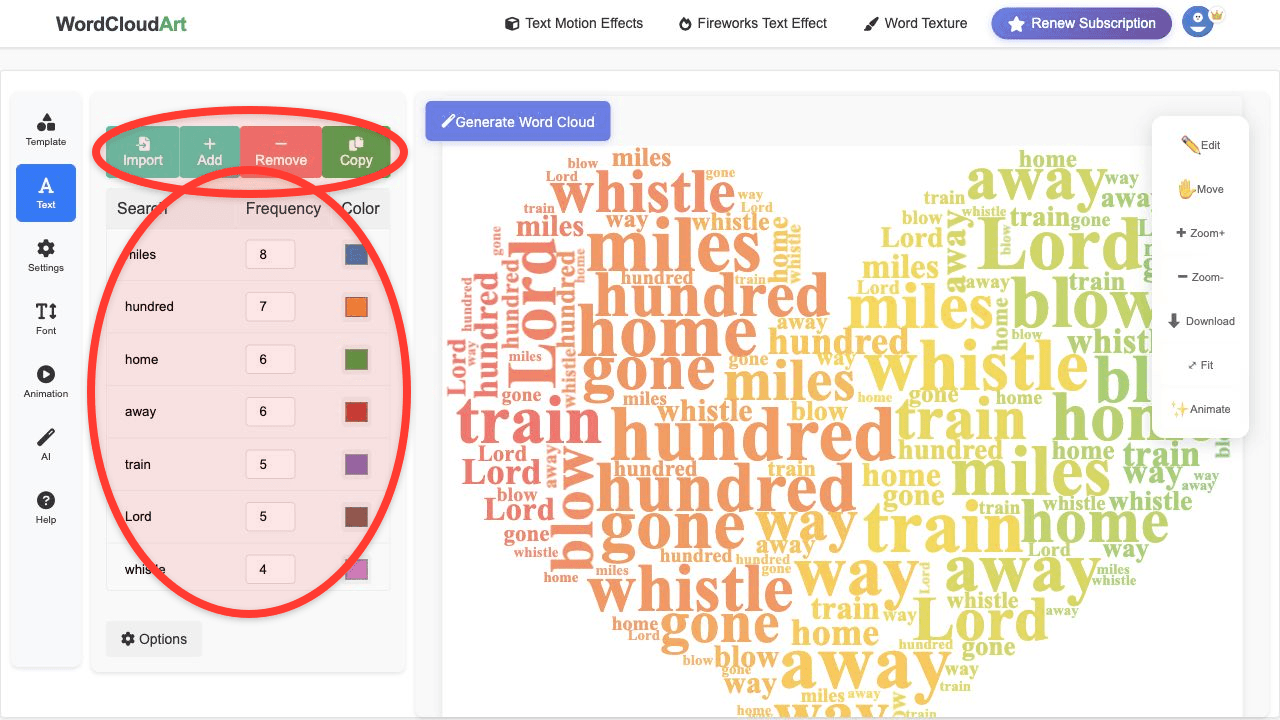
Cleaned keyword list: easy setup 2, delivery speed 1, mobile app 1, customer support 2, packaging 1, price 1.
What the cloud shows: Setup and support are strong themes; delivery speed and price deserve deeper review.
Best Customer Feedback Sources
- App store reviews: product quality, bugs, performance, pricing, support.
- NPS comments: reasons behind promoters, passives, and detractors.
- Support tickets: repeated issues, confusing workflows, missing features.
- Sales call notes: objections, requirements, competitor mentions, buying triggers.
- Post-purchase surveys: delivery, packaging, setup, value, satisfaction.
Recommended Workflow
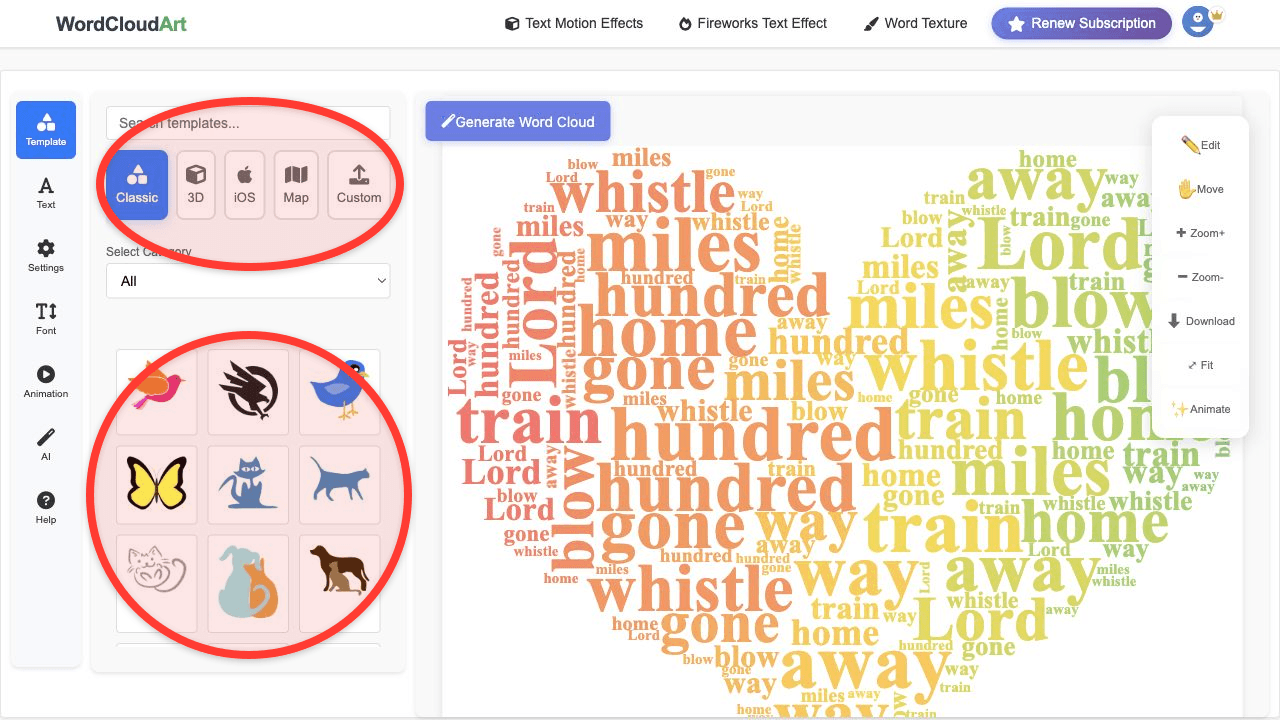
- Segment first. If possible, create separate word clouds for positive feedback, negative feedback, and feature requests.
- Normalize phrases. Merge "support", "customer service", and "support team" only if your team wants them treated as one theme.
- Remove generic words. Words like "product", "good", and "really" usually add little insight.
- Preserve product terms. Keep names of features, plans, integrations, and channels intact.
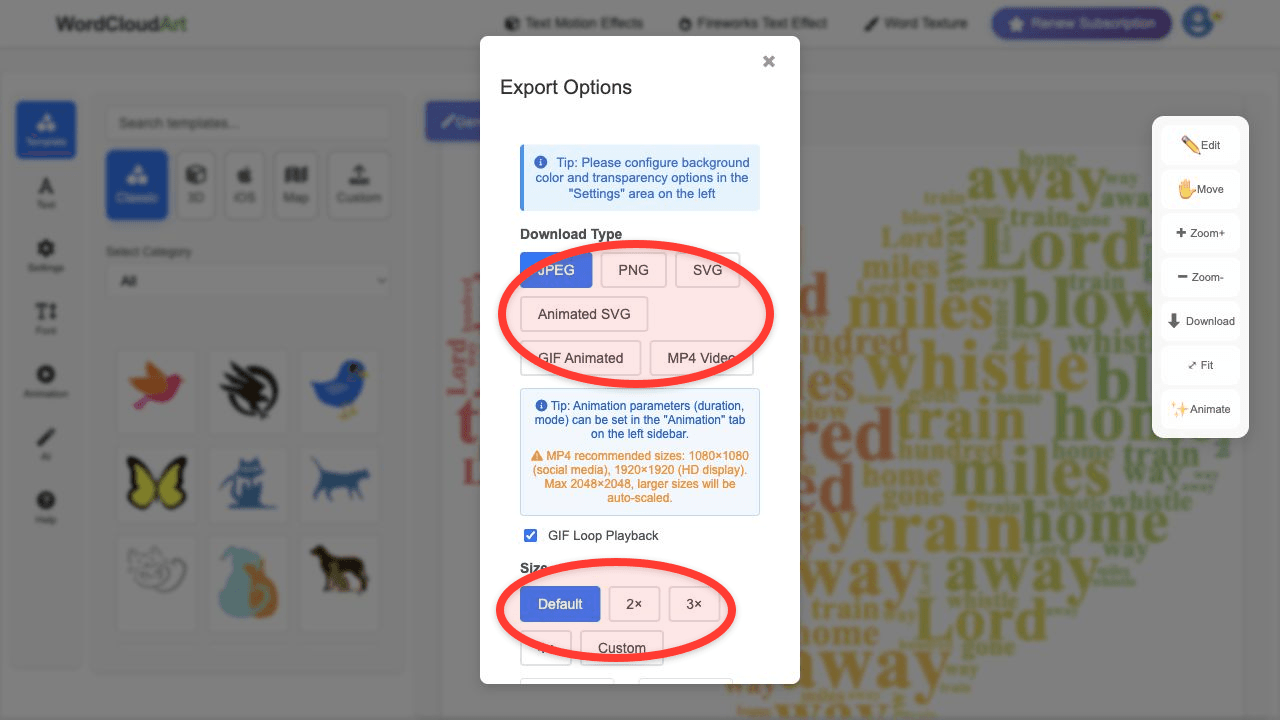
- Export for the audience. Use report-friendly PNG/SVG for leadership, or MP4 for a launch recap video.
Example: Positive vs Negative Feedback
| Segment | Example keywords | Action |
|---|---|---|
| Promoters | easy setup, helpful support, clean design, fast checkout | Use these phrases in marketing copy. |
| Detractors | delivery delay, confusing pricing, login issue, missing feature | Prioritize fixes and support macros. |
| Feature requests | CSV export, dashboard filter, mobile notifications, team roles | Group into roadmap themes. |
Design Settings for Business Reports
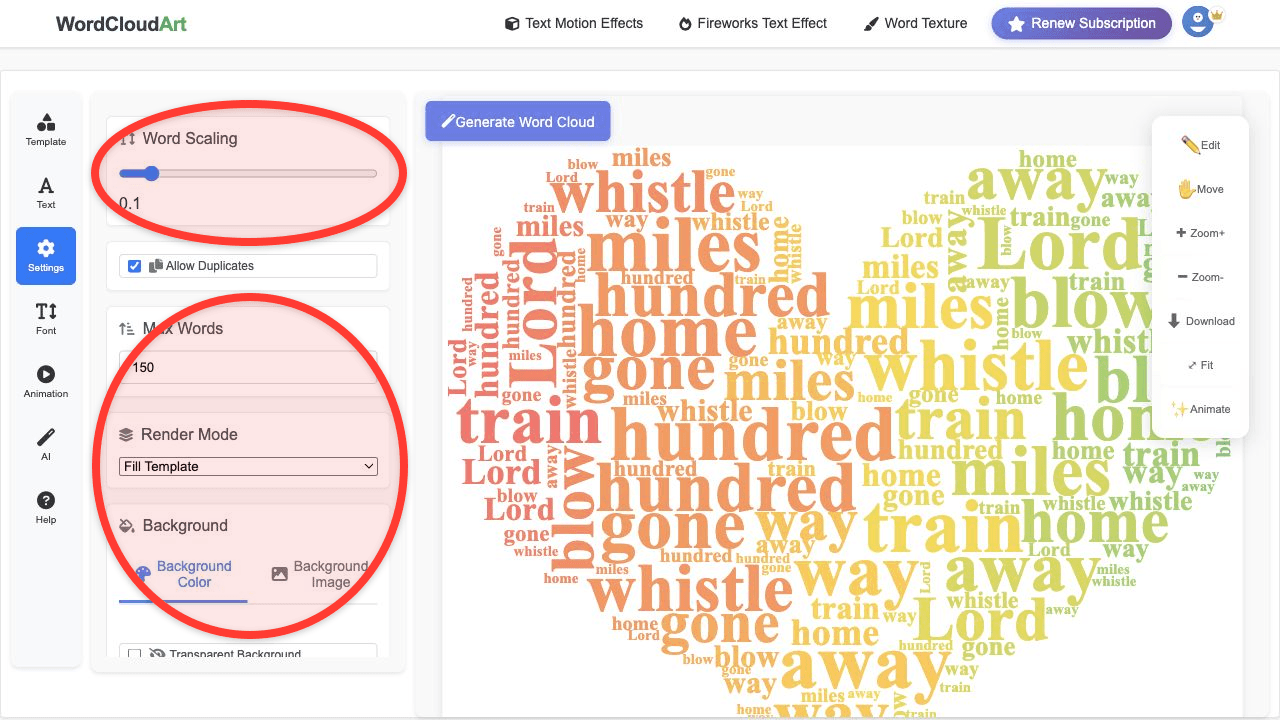
- Max words: 40 to 120 depending on the amount of feedback.
- Shape: circle, speech bubble, product icon, or a clean business symbol.
- Color: use brand colors or a neutral palette for reports.
- Animation: Typewriter or Blur In for meeting openers, MP4 for recap videos.
- Export: SVG for PDFs, PNG for slides, MP4 for launch recaps.
Related Guides
For response cleanup, see the survey word cloud guide. For presentation output, use presentation word cloud examples.