Classroom Word Cloud Ideas: Vocabulary, Icebreakers, and Reflection Examples
Why Use a Word Cloud in the Classroom?
A classroom word cloud turns student answers, vocabulary lists, reading notes, or reflection prompts into a visual summary. It is useful when you want students to see the strongest themes quickly, compare ideas, or start a discussion from real class input.
For teachers, the key is not just "make a pretty cloud". The stronger workflow is: collect responses, clean the wording, keep important phrases together, choose a readable shape, and export the result for slides, handouts, or a class display.
Example 1: First-day icebreaker
Prompt: "What word describes how you feel about this class?"
Raw responses: curious, nervous, excited, ready, unsure, hopeful, creative, challenged, confident, curious, excited, nervous.
Cleaned keyword list: curious 2, excited 2, nervous 2, ready 1, hopeful 1, creative 1, challenged 1, confident 1.
Recommended design: circle or speech bubble shape, friendly colors, PNG export for the first slide.
Classroom Word Cloud Ideas
| Classroom activity | Example prompt | Best output |
|---|---|---|
| Vocabulary warm-up | List words related to photosynthesis. | PNG for slides |
| Reading check | Which themes appeared in the chapter? | SVG or PNG |
| Exit ticket | What is one idea you still remember? | PNG for recap |
| Class reflection | How did the group project feel? | MP4 for class screen |
How to Build the Classroom Word Cloud
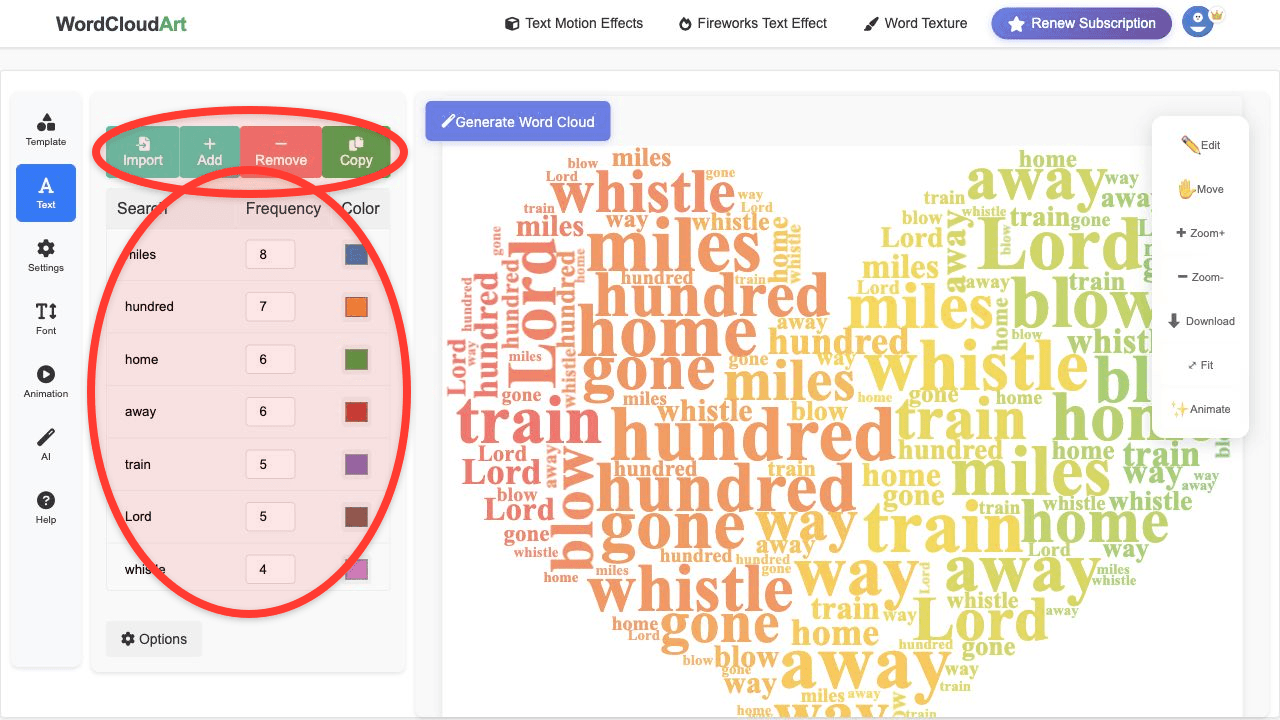
- Collect short responses. Use a form, shared document, chat export, or copied notes.
- Clean repeated wording. Merge "team work" and "teamwork" if they mean the same thing.
- Keep phrases together. Use "growth mindset" or "main character" as one phrase when needed.
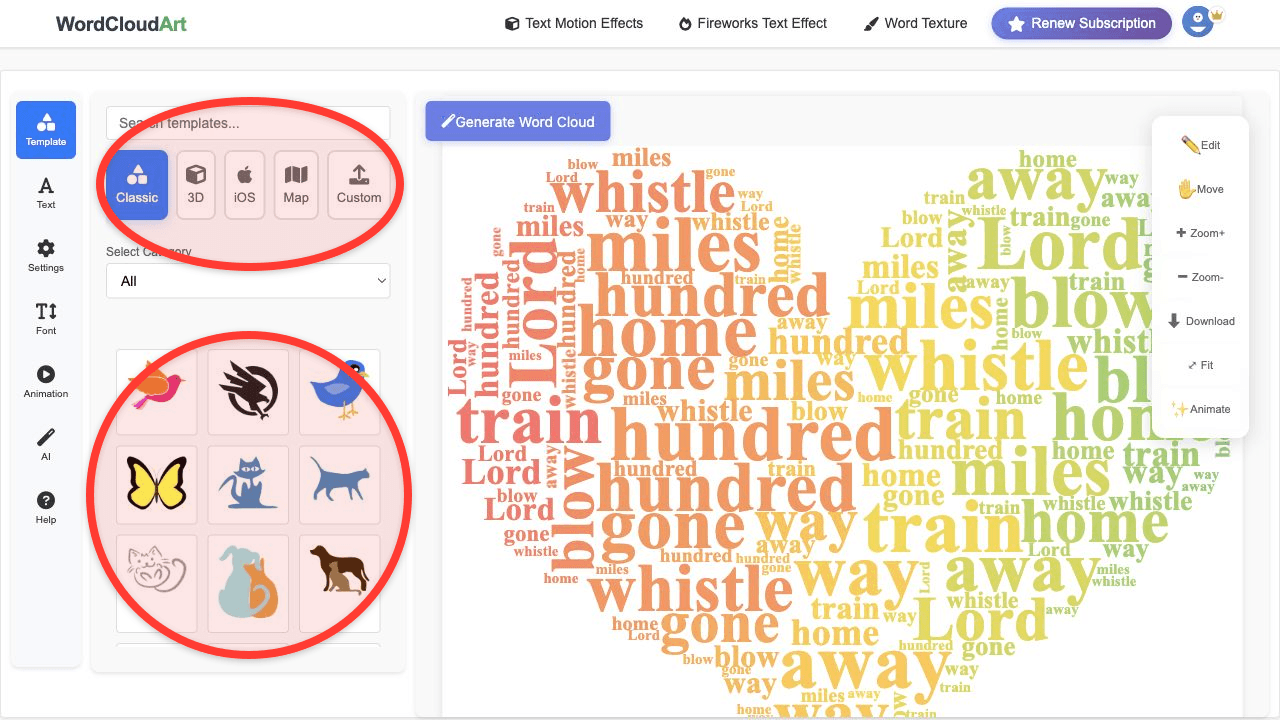
- Choose a simple shape. Circle, bubble, book, star, or classroom-friendly icon usually works better than a detailed outline.
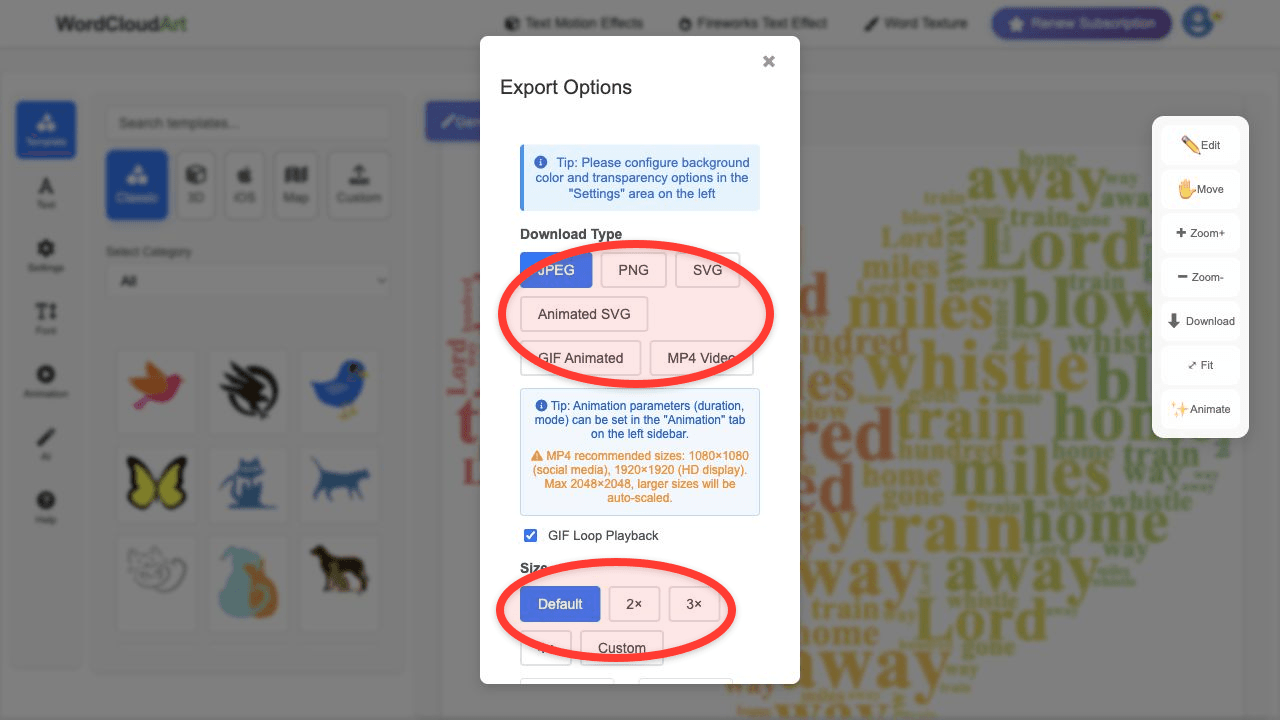
- Export for your lesson. Use PNG for slides, SVG for print, or MP4 when you want an animated opening screen.
Example 2: Reading reflection
Prompt: "Which words describe the main character after chapter 5?"
Raw responses: brave, lonely, determined, afraid, loyal, confused, brave, determined, hopeful, angry, loyal.
Cleaned keyword list: brave 2, determined 2, loyal 2, lonely 1, afraid 1, confused 1, hopeful 1, angry 1.
Discussion use: Ask students why "brave", "determined", and "loyal" became large, then require evidence from the text.
Recommended Settings for Teachers
- Max words: 30 to 80 for classroom readability.
- Shape: circle, speech bubble, book, star, heart, or simple icon.
- Fonts: use clean English fonts for vocabulary and reading tasks.
- Animation: Typewriter or Bounce works well for short warm-ups.
- Export: PNG for slides, MP4 for class openings, SVG for print.
Related Guides
Start with the full word cloud generator tutorial, use AI word cloud suggestions for lesson themes, or explore word cloud shapes for classroom visuals.