Interactive Word Cloud Generator: Edit, Animate, Preview, and Export
What Makes a Word Cloud Interactive?
An interactive word cloud generator lets you change the cloud while you work. Instead of uploading text and accepting one static result, you can edit words, adjust weights, choose shapes, preview motion, change colors, and export different formats from the same browser workspace.
Wordcloud.art is interactive in the practical design sense: you can tune the keyword list, switch templates, use AI suggestions, animate all words or selected target words, and download the final cloud as a static image or motion file.
Step-by-Step Tutorial with Screenshots
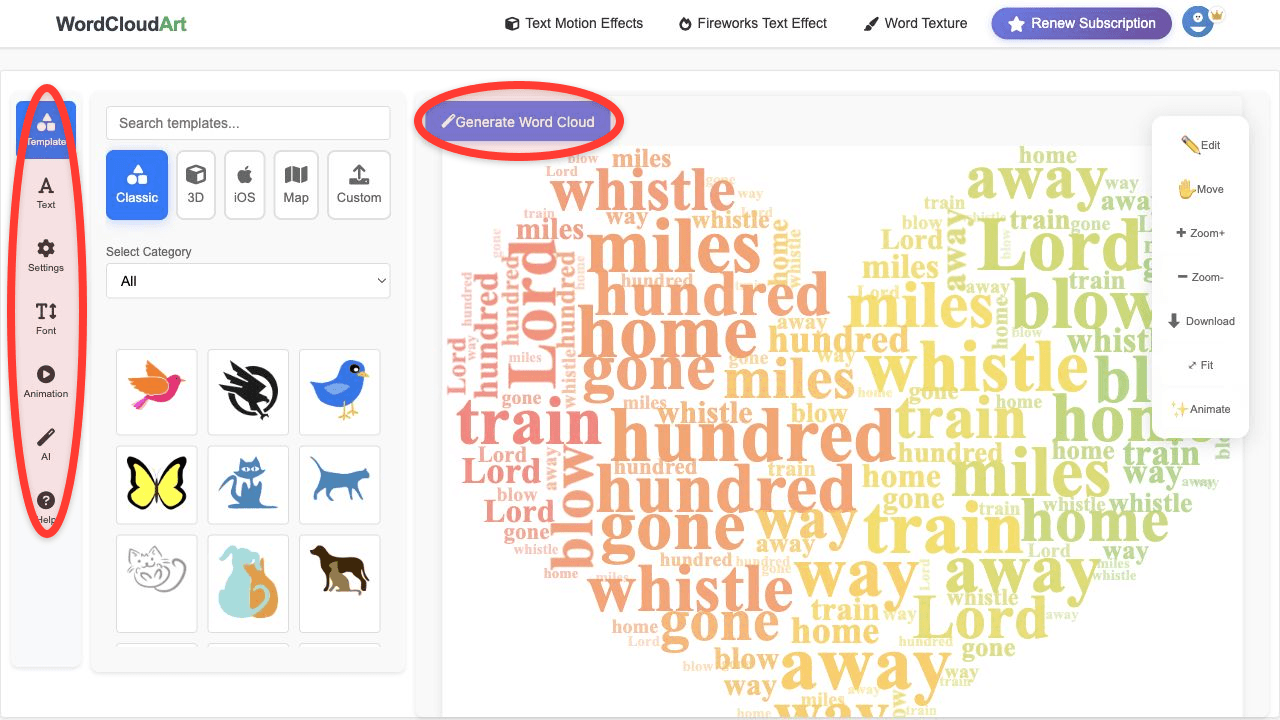
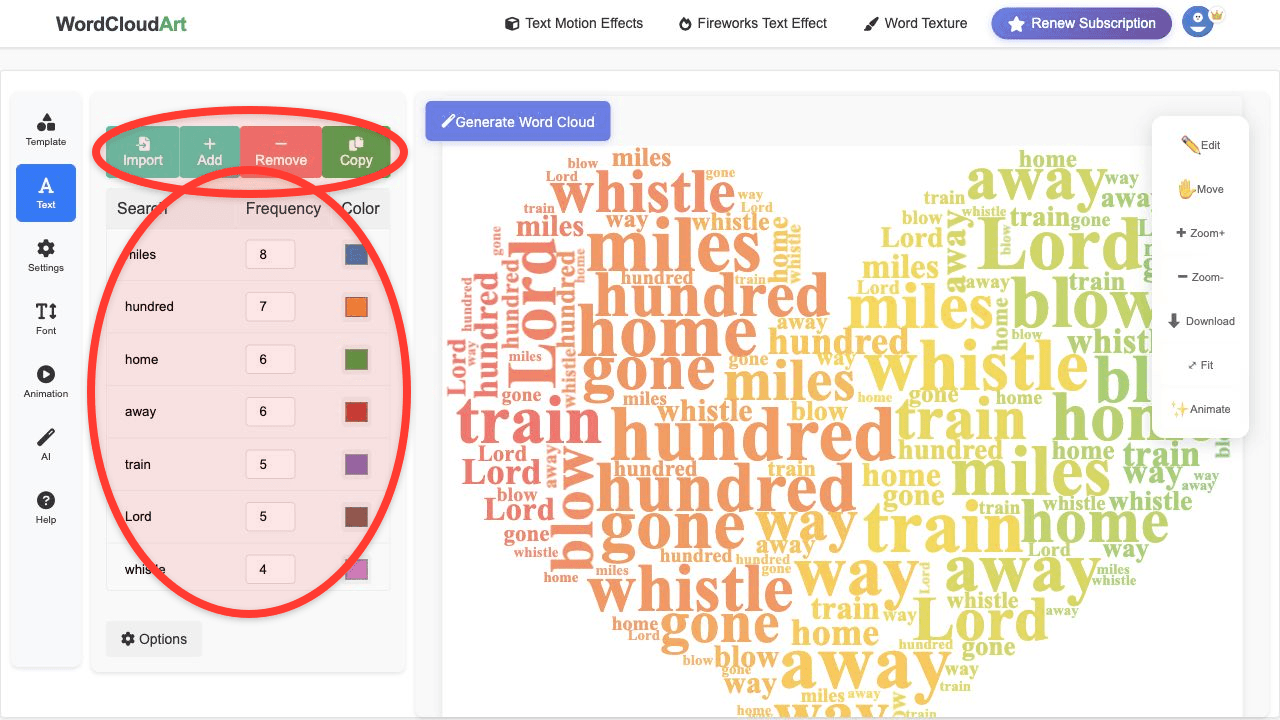
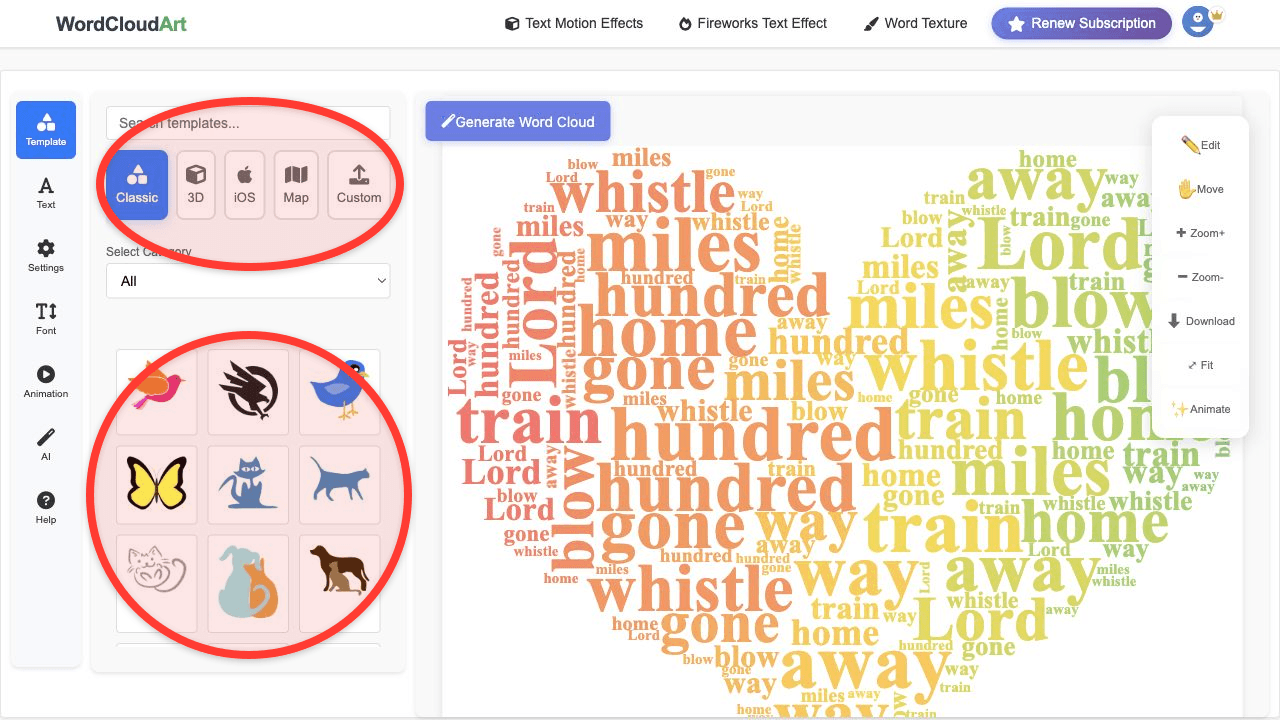
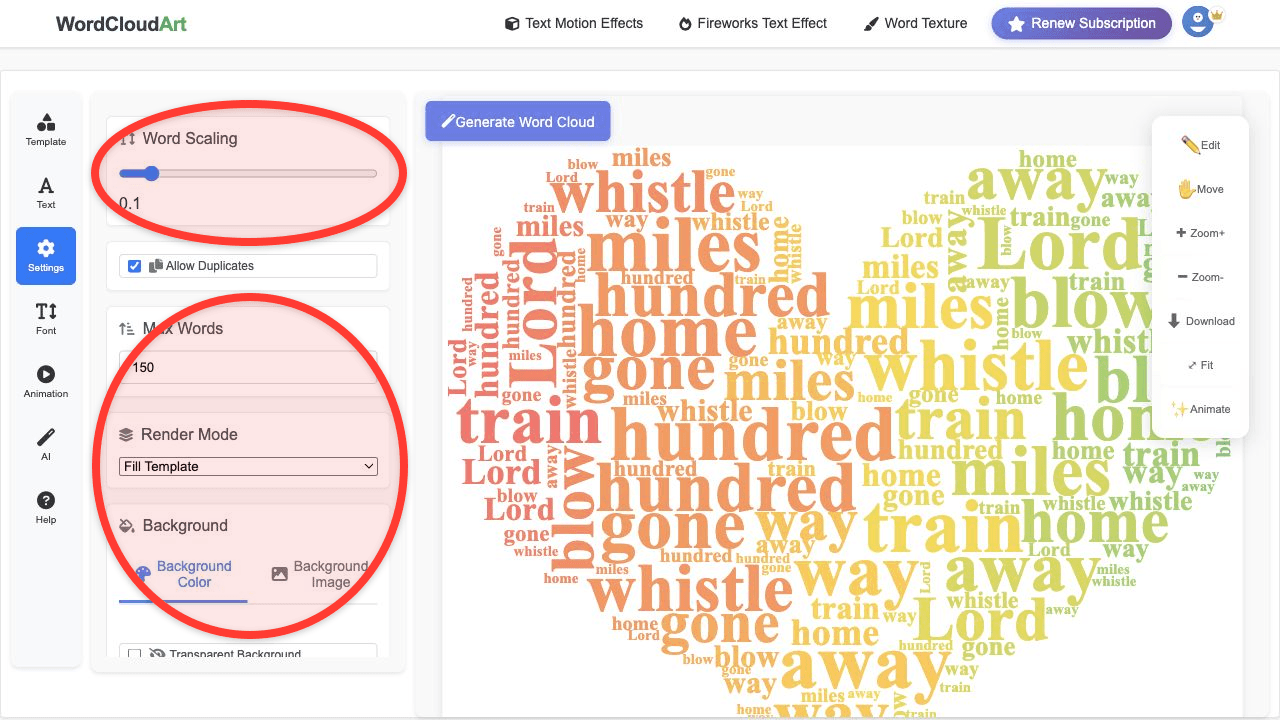
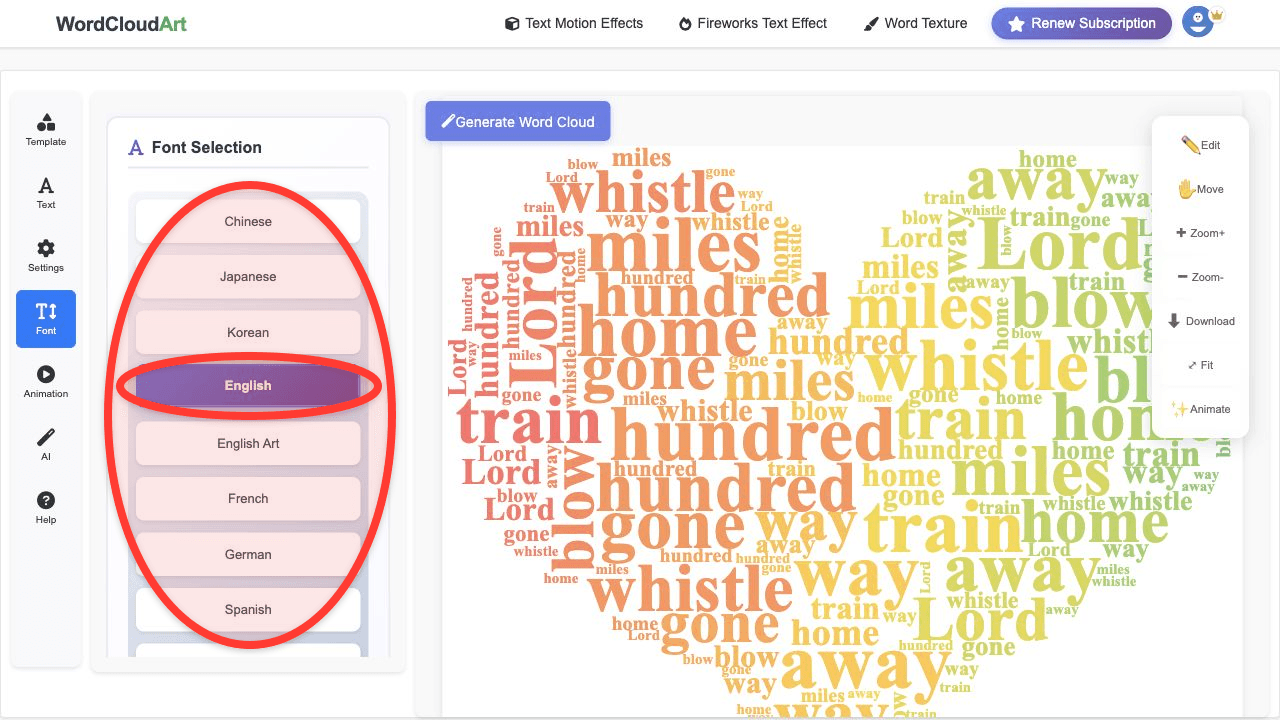
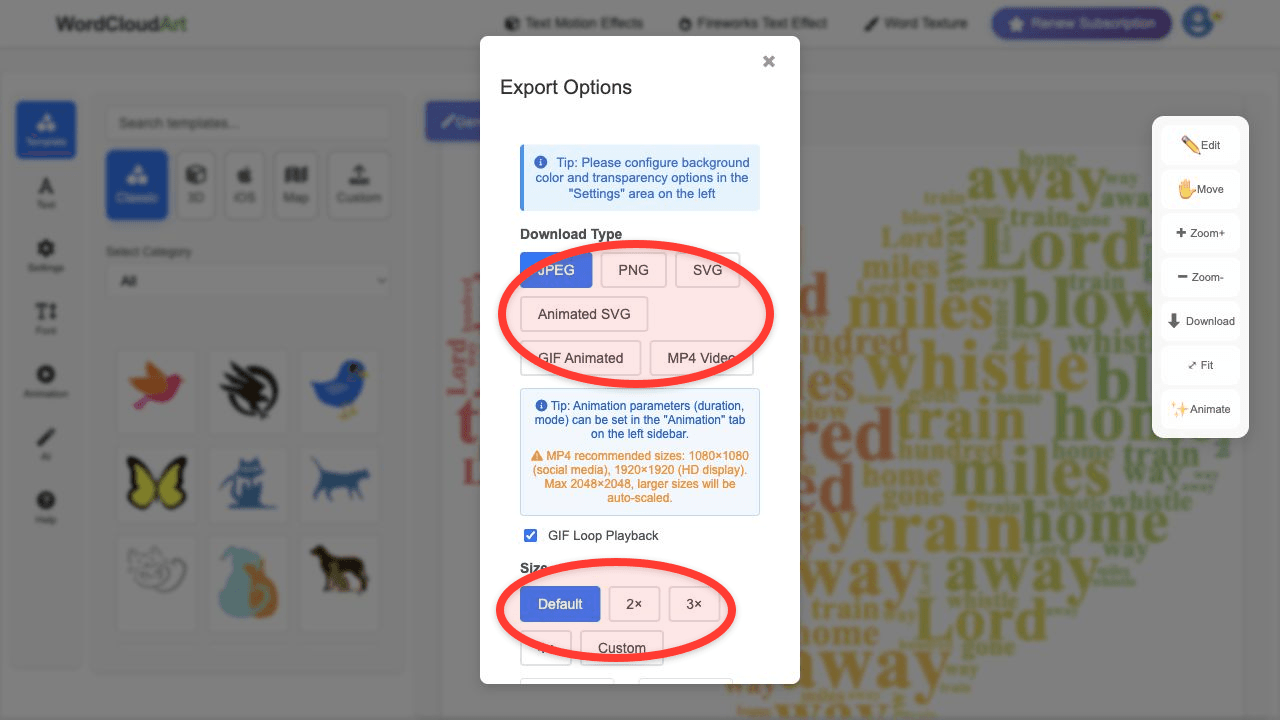
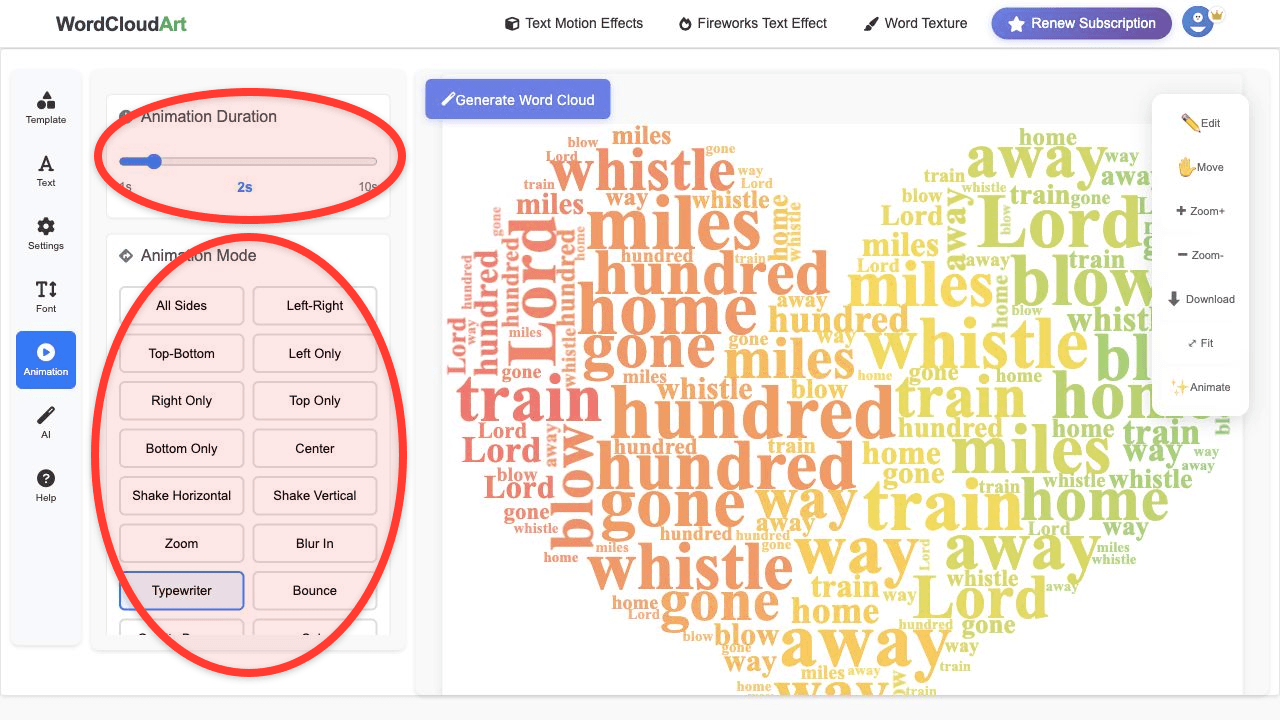
This visual walkthrough shows the core interactive workflow: open the editor, edit words, choose templates, tune settings, pick fonts, and export the final cloud.
Interactive Features in Wordcloud.art
- Editable word list: add, remove, recolor, and reweight words before rendering.
- Template switching: try different shapes without rebuilding the project from scratch.
- AI word cloud suggestions: describe a theme or scenario and get template ideas.
- Motion preview: choose an animation mode and preview how the cloud moves.
- Target-word animation: animate all words or only selected words when you want emphasis.
- Multiple exports: download PNG, SVG, Animated SVG, GIF, or MP4.
How to Create an Interactive Word Cloud
- Start with text. Paste survey responses, lesson answers, presentation notes, reviews, or a keyword list.
- Edit the words. Remove filler terms and increase frequency for important phrases.
- Choose a visual shape. Try a simple shape first, then test more specific templates.
- Use AI if you need direction. Describe the scenario, such as "education learning" or "business professional".
- Preview animation. Open Animation, set duration, and choose motion such as Typewriter, Bounce, Zoom, or Left-Right.
- Export for the destination. Use PNG/SVG for static layouts and GIF/MP4/Animated SVG for motion.
Related workflows: use the AI word cloud guide when you want template suggestions, the shape guide when the outline matters, and the animated word cloud guide when the final asset should be GIF, MP4, or Animated SVG.
Interactive Word Clouds for Classrooms, Meetings, and Presentations
| Use case | Interactive workflow |
|---|---|
| Classroom brainstorm | Paste student answers, remove duplicates, choose a classroom shape, and animate the biggest terms. |
| Meeting recap | Paste notes, keep important phrases together, export PNG for slides or MP4 for a short recap video. |
| Survey summary | Use weighted words from responses, test shapes, and export a readable visual for reports. |
| Social post | Choose a strong visual template, preview motion, and export MP4 or GIF. |
FAQ
Is this a live polling word cloud?
Wordcloud.art is focused on interactive creation, editing, animation, and export. If you collect live responses elsewhere, paste or import the text into Wordcloud.art to design the finished cloud.
Can I edit words after generating the cloud?
Yes. Return to the Text panel, adjust words or frequency values, and render again.
Can I animate only certain words?
Yes. Use target words in the Animation panel when you want selected words to move while the rest stay visible.
Can I export an interactive word cloud as video?
Yes. Use MP4 for video platforms and presentations, GIF for quick loops, or Animated SVG for web-friendly vector motion.