Frequency scaling, Max Words, and Max Font Size: what does each do?

Set the frequency of each word in the Text list first, then use these three settings to shape the result. All seven examples below were generated by this site's word cloud engine with the same 18 English words, a heart template, Allow Duplicates enabled, “Theme” marked as Main, and a left-to-right coral, yellow, and green gradient. Within each comparison, the canvas, word list, and random seed stay fixed; only the named setting changes.

Frequency scalingControls the size difference between frequent and less frequent words.
Max WordsLimits how many words can be placed, including repeats. A higher value usually fills the shape more densely.
Max Font SizeSets an upper limit on word size. The most frequent words are most likely to approach it.

① Change frequency scaling only

“Theme” has a higher frequency than the other words. Both images use Max Words 150 and Max Font Size 300.
Frequency scaling 0Word sizes are more similar
Heart word cloud with frequency scaling 0: words are similar in size
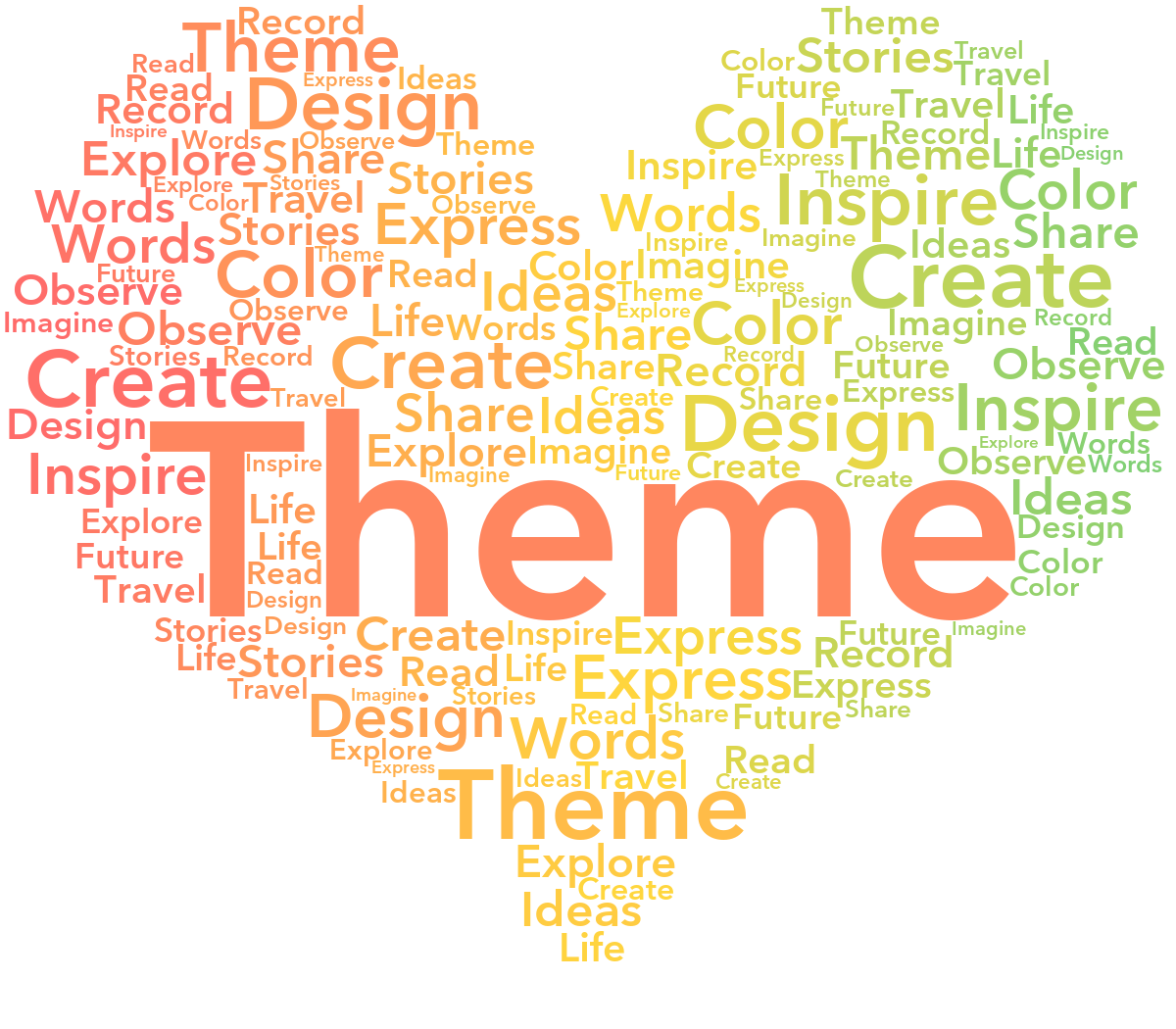
Frequency scaling 1High-frequency words stand out
Heart word cloud with frequency scaling 1: Theme stands out
A higher value makes frequency differences more visible as size differences. It does not change the frequency numbers or directly set repeat counts.

② Change Max Words only

These images use frequency scaling 0.6 and Max Font Size 300. The original list has just 18 words, so repeated words can fill additional spaces.
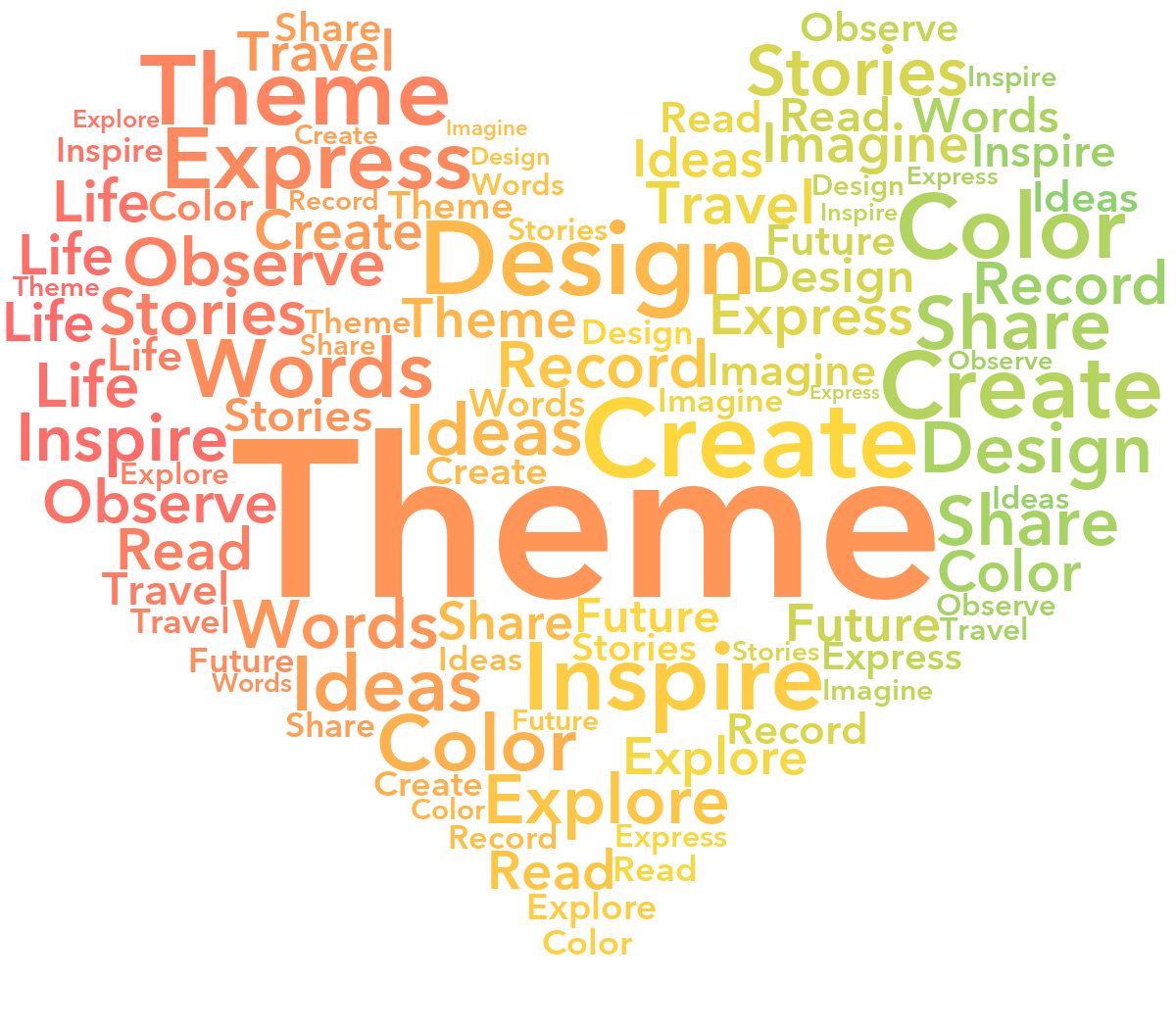
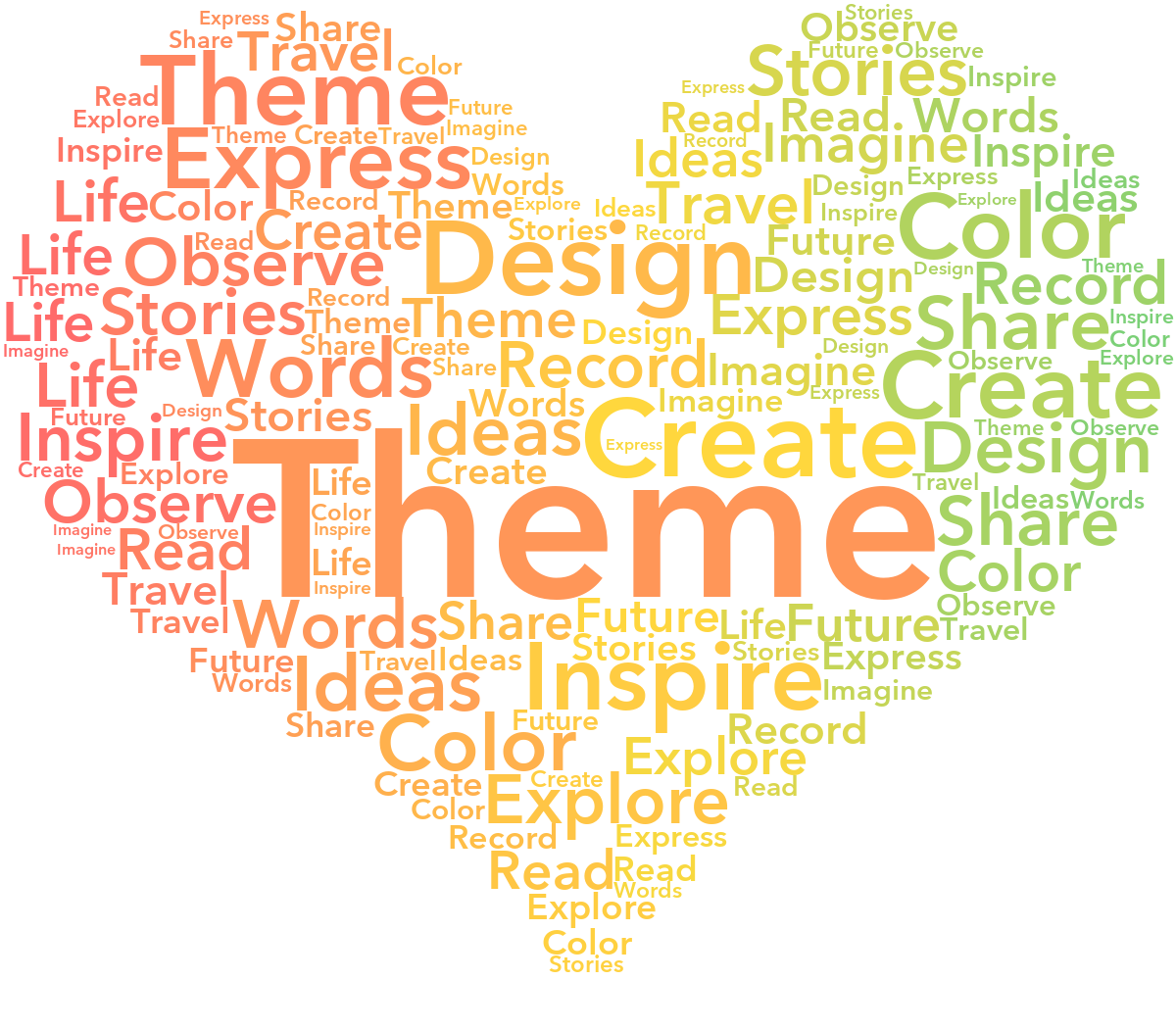
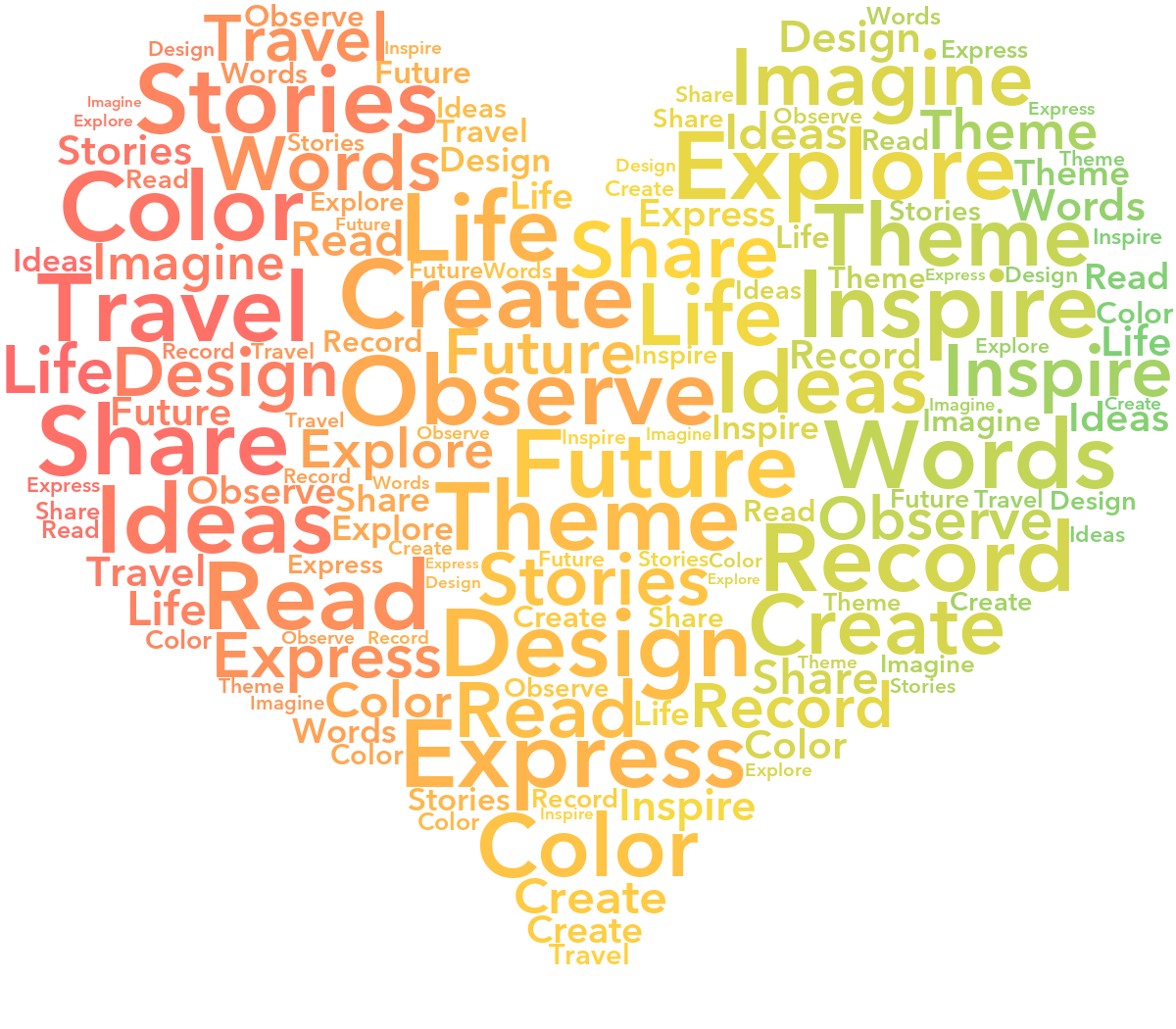
Max Words 100More empty space
Heart word cloud with Max Words 100 and more empty space
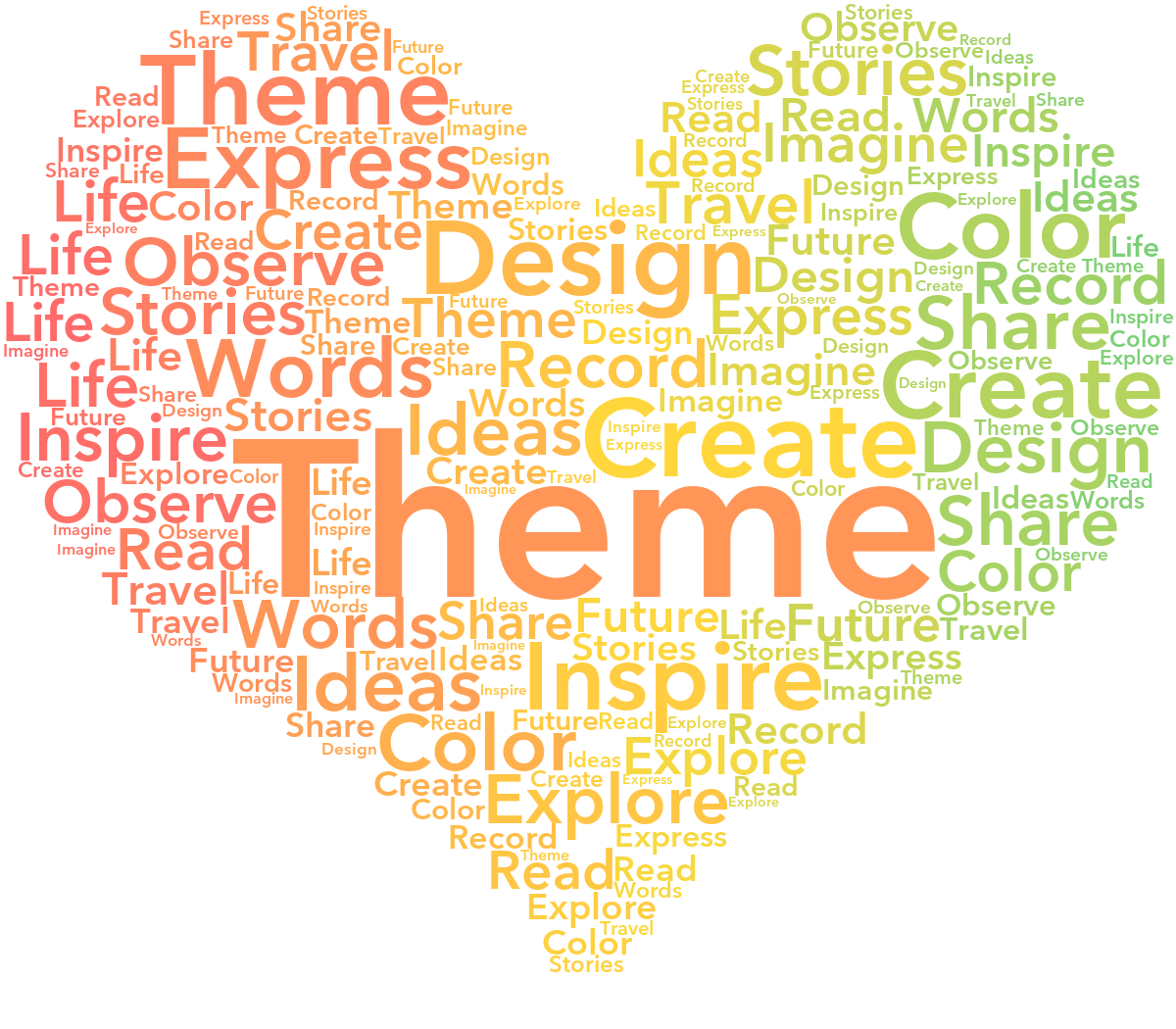
Max Words 150More repeats, denser fill
Heart word cloud with Max Words 150 and denser fill
Max Words 200More small words in the gaps
Heart word cloud with Max Words 200 and more words in the gaps
From 100 to 150 to 200, more words fill the heart. New word clouds default to 200. This is a limit on total placed words, including repeats, not the number of times each word must repeat. The available space and shape still affect the result.

③ Change Max Font Size only

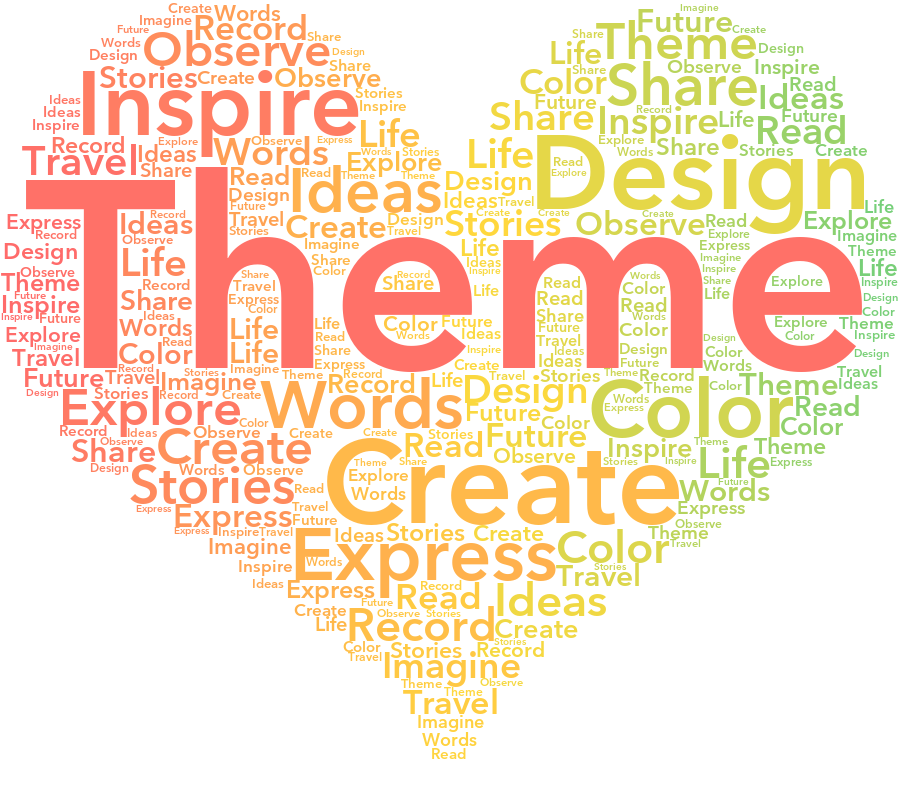
To make the difference clear, “Theme” has frequency 500 while the next word has 38. Both images use frequency scaling 1 and Max Words 300; only Max Font Size changes.
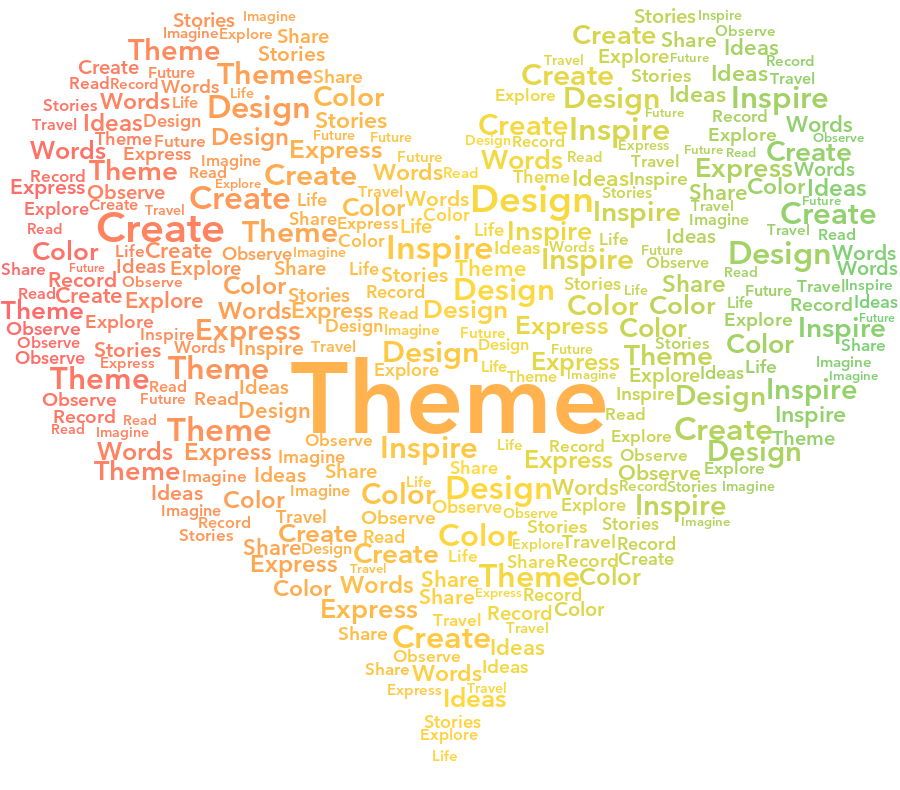
Max Font Size 100The top word has a lower size ceiling
Heart word cloud with Theme frequency 500 and Max Font Size 100
Max Font Size 300The same top word becomes larger
Heart word cloud with Theme frequency 500 and Max Font Size 300
“Theme” has by far the highest frequency, so it comes closest to the size ceiling. Raising that ceiling from 100 to 300 makes it much larger. Other words are still sized by their frequencies. The actual size also depends on available space.

These are real generated results, so changing one setting can also move words as the layout is rebuilt. Results vary with the word list, template, and canvas size.

Want a word near the center? Mark it as Main in the Text list. To make it larger too, increase its frequency relative to the other words. See the steps.