What Is the Best Free Word Cloud Generator?
What Is a Word Cloud Generator?
A word cloud generator is a tool that turns text into a visual layout of keywords. Important or frequent words appear larger, making it easier to see themes, repeated ideas, and audience language at a glance.
Quick test for any word cloud generator
Before choosing a tool, try the same small input in each generator:
innovation, design, design, product, research, teamwork, customer, customer, growth, AI, creativity, strategy
A good generator should make repeated words larger, let you adjust the layout, and export a clean file without extra manual cleanup.
Step-by-Step Tutorial with Screenshots
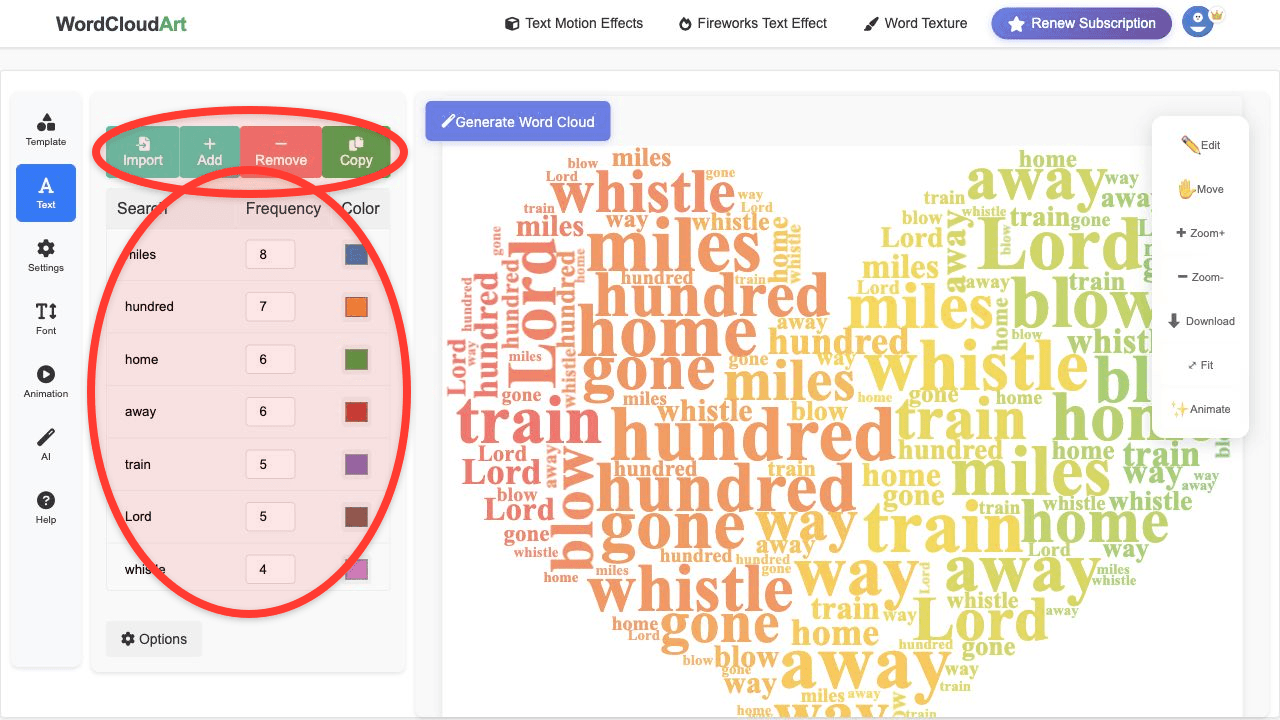
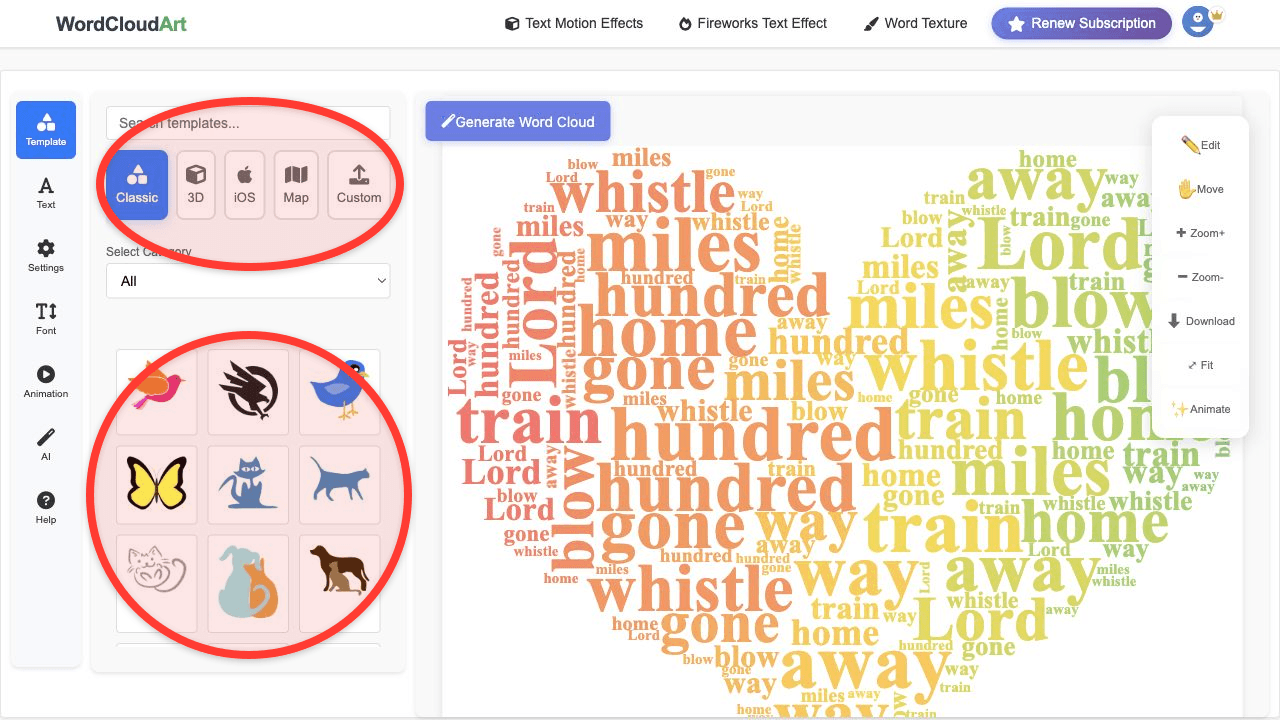
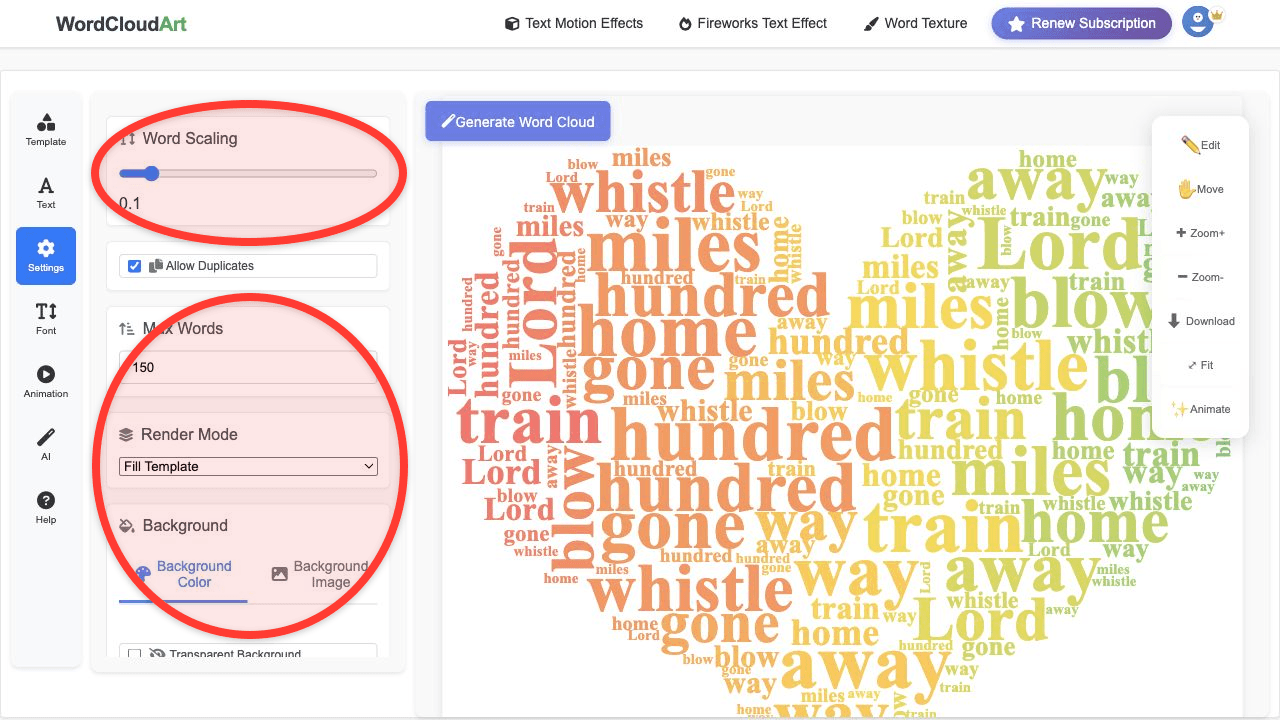
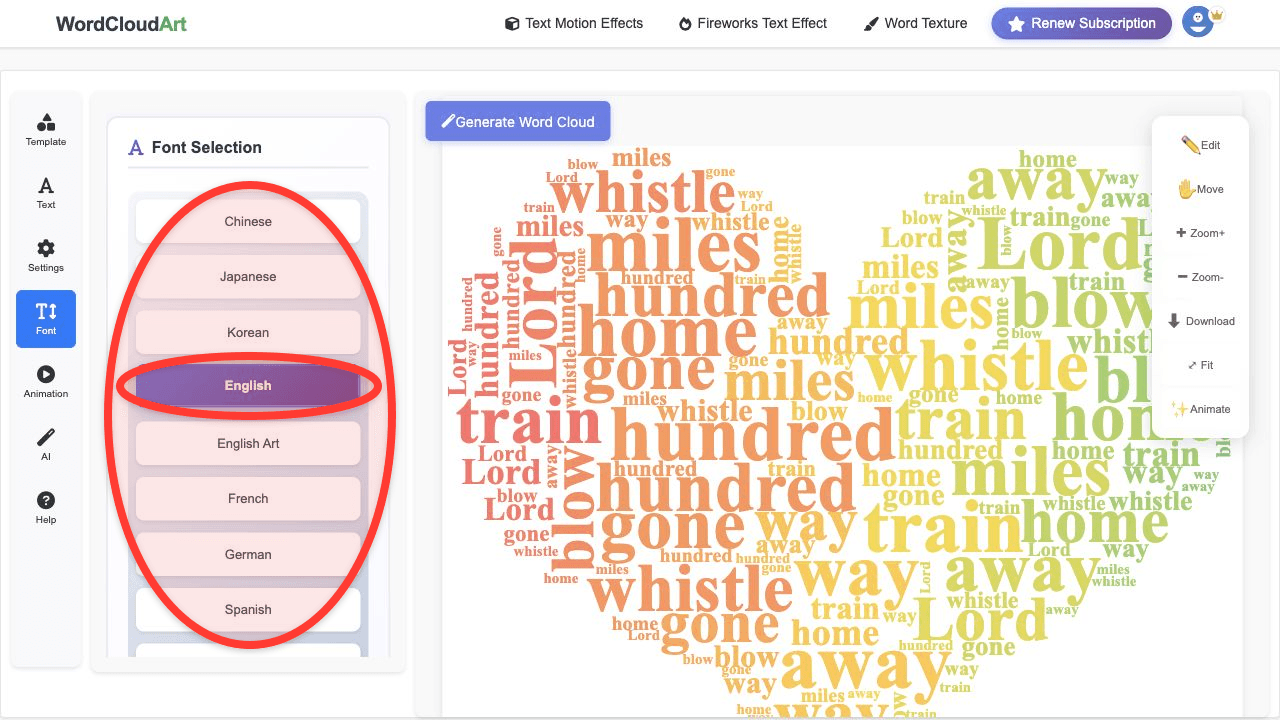
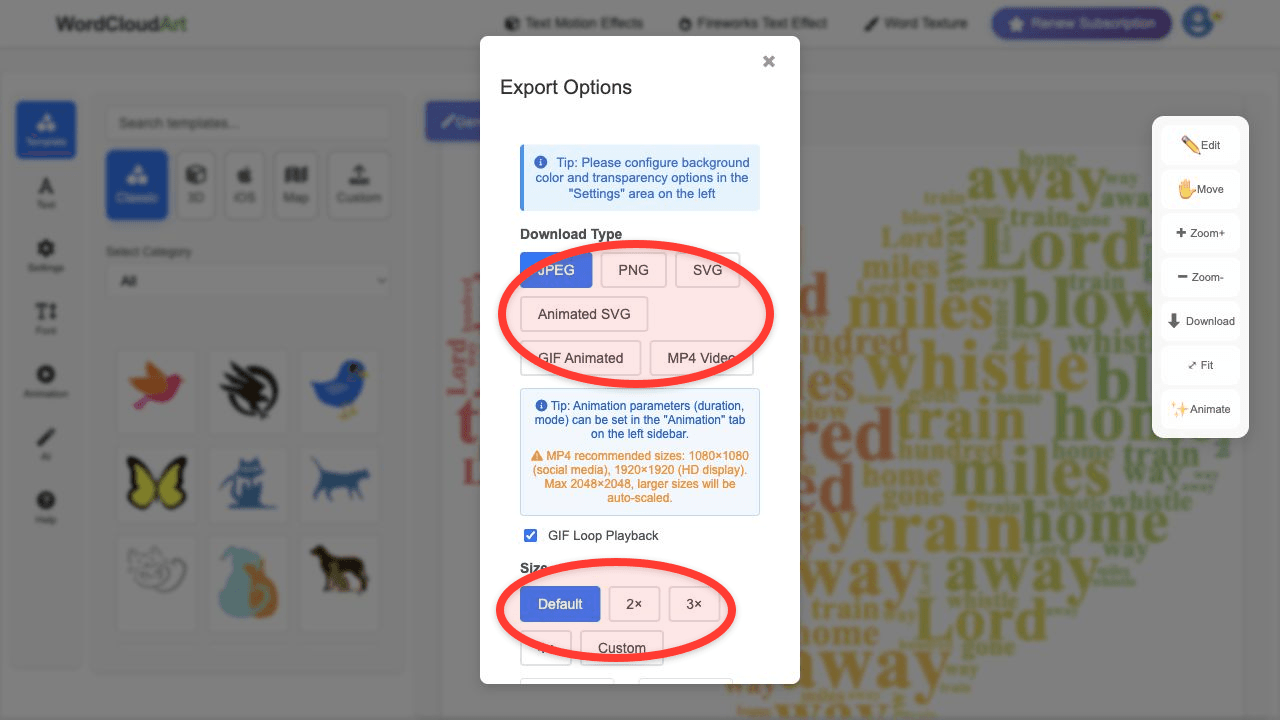
The screenshots below show the customization areas you should expect from a strong online word cloud generator: text weights, shape templates, settings, fonts, and export formats.
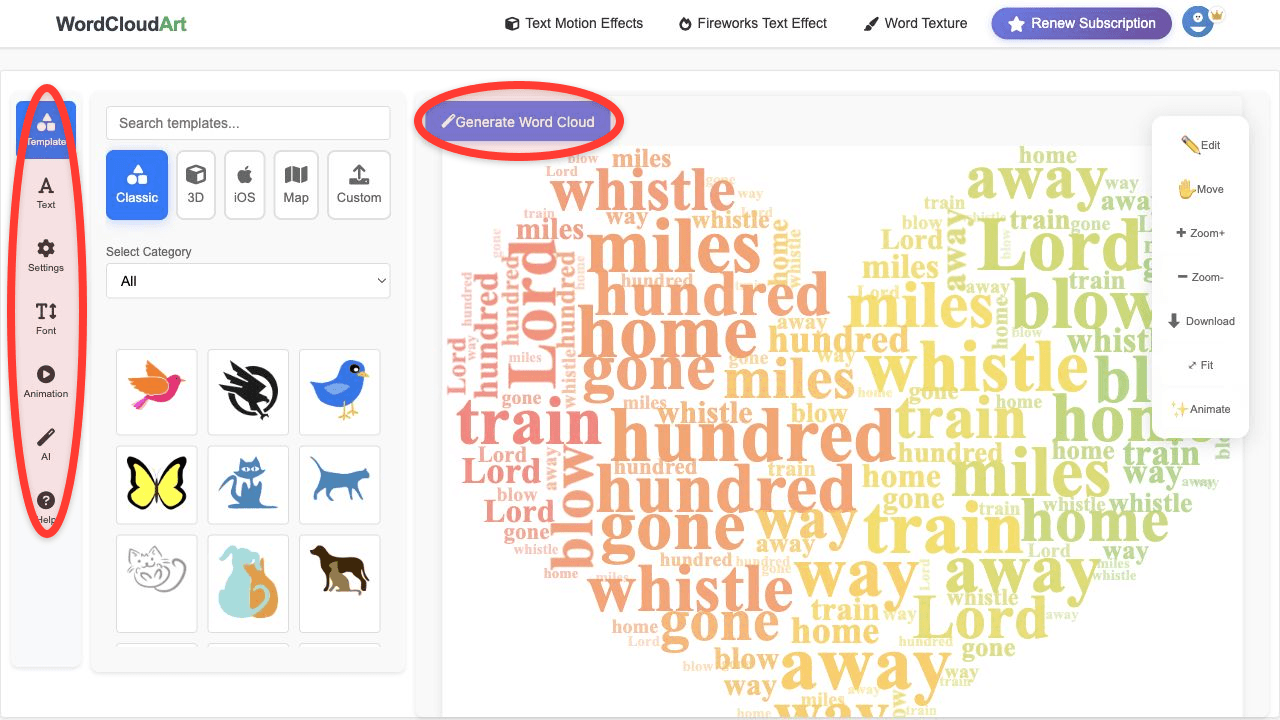
What Makes the Best Free Word Cloud Generator?
- Easy text input: paste text, keyword lists, or weighted words quickly.
- Phrase grouping: keep terms such as "social media" or "project management" together.
- Custom shapes: choose a visual form that matches the topic.
- Design controls: customize fonts, colors, spacing, background, and word angles.
- Export quality: download images for slides, documents, posters, and social graphics.
- Advanced options: 3D effects, animation, and artistic fonts when you need more than a basic cloud.
Why Wordcloud.art Is a Strong Choice
Wordcloud.art is designed for both simple and creative word clouds. You can create a quick free word cloud online, or go further with custom shapes, art fonts, 3D word clouds, animated text effects, and presentation-ready exports.
| Feature | Why it matters | Wordcloud.art workflow |
|---|---|---|
| Phrase grouping | Keeps meanings intact. | Edit terms in the Text panel. |
| Shape templates | Makes the cloud match the topic. | Choose Classic, 3D, Map, Custom, or Text templates. |
| Export options | Fits slides, docs, print, and video. | Export JPEG, PNG, SVG, GIF, or MP4. |
How to Group Words in a Word Cloud Generator
Grouping words means treating a phrase as one unit. Instead of letting "customer" and "service" appear separately, keep "customer service" together in your keyword list. This is important for survey analysis, review summaries, classroom responses, and business reports.
What About After Effects or Canvas?
After Effects is powerful for motion design, but it is not the quickest way to generate a keyword-based word cloud from text. Create the word cloud in Wordcloud.art first, then use the exported image or video in After Effects if you need advanced compositing. If you meant Canva by "canvas", use Wordcloud.art as the generator and Canva as the layout tool.
FAQ
What is the best word cloud generator?
The best generator depends on your goal. For online creation with shapes, customization, 3D options, and animation, Wordcloud.art is a strong fit.
Which word cloud generator offers the best customization options?
Look for custom shapes, font choices, color controls, phrase grouping, export formats, and advanced 3D or motion options.
How do I use a free word cloud generator?
Paste your text, clean the keyword list, choose a shape and design style, render the cloud, and export the result.