How to Generate a Word Cloud from a Webpage, Internet Text, or Twitch Chat
Can You Generate a Word Cloud from the Internet?
Yes. The easiest method is to copy the meaningful text from a webpage, article, transcript, or chat export, clean out navigation and repeated boilerplate, then paste the text into Wordcloud.art.
Webpage cleaning example
Keep: article title, headings, body paragraphs, quotes, meaningful comments.
Remove: navigation menus, cookie text, related posts, footer links, author bio repeats, newsletter prompts.
Why: interface text can dominate the word cloud and hide the actual topic of the page.
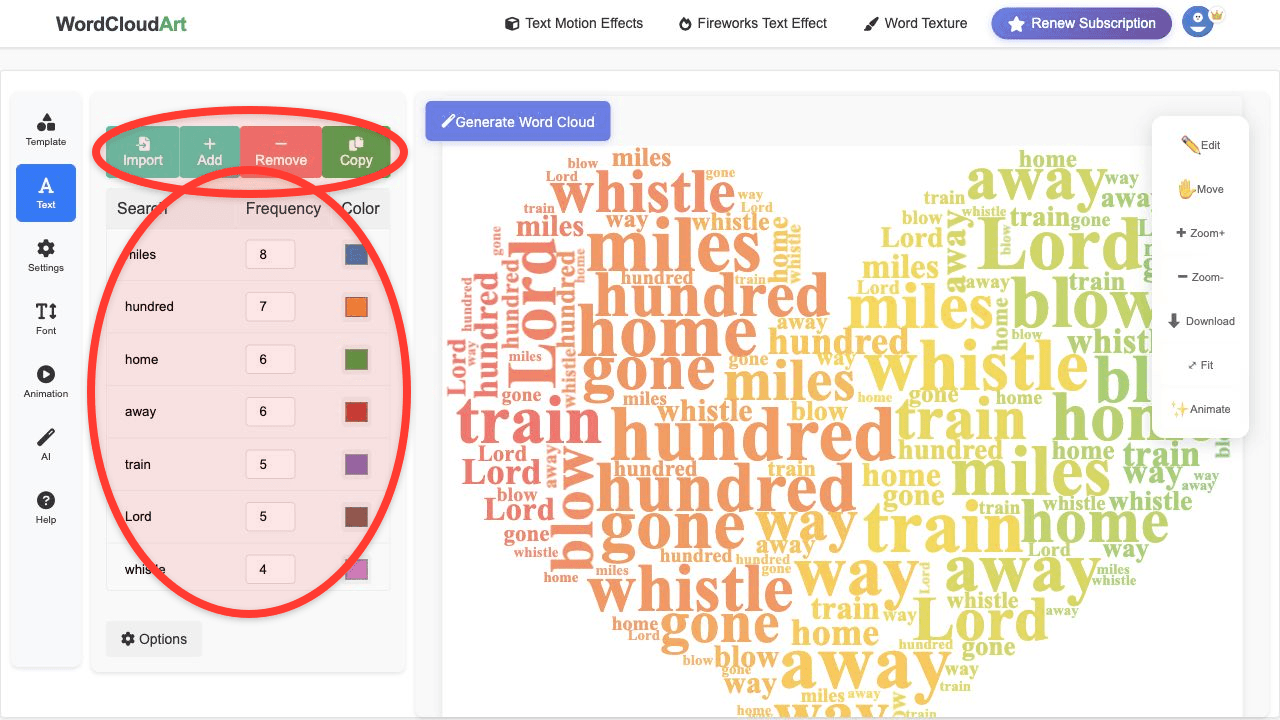
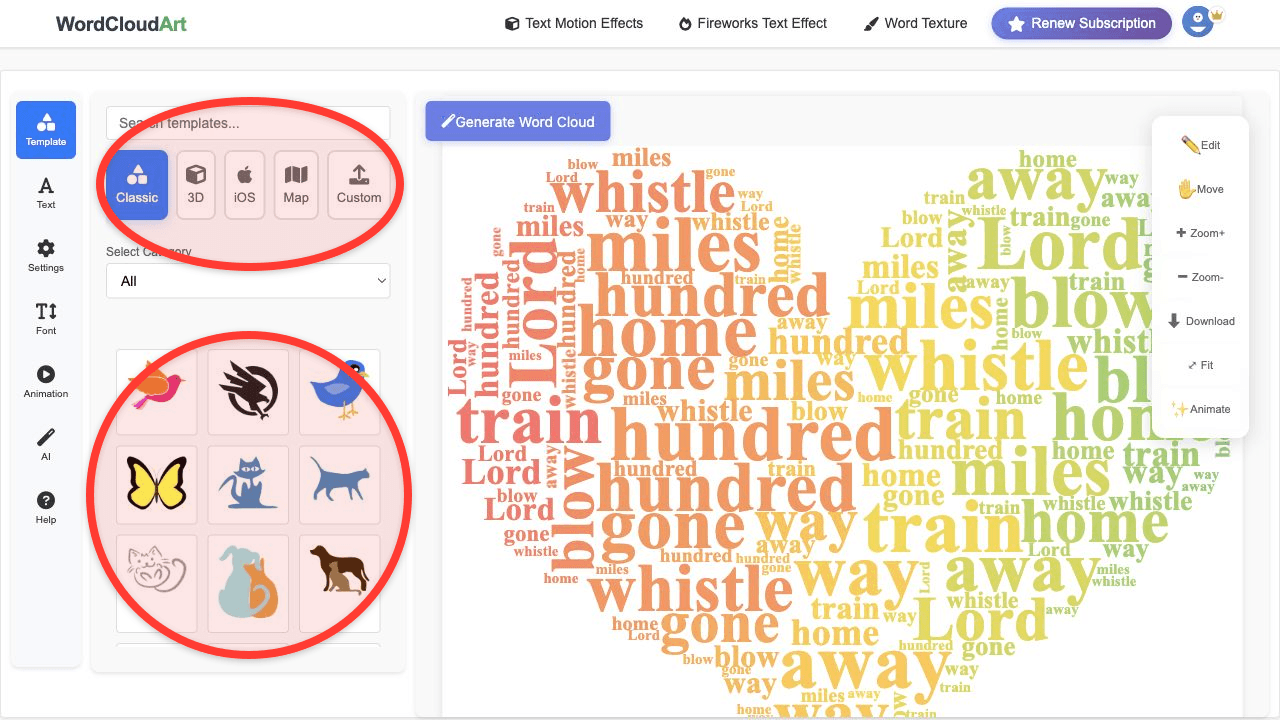
Generate a Word Cloud from a Webpage
- Open the webpage and copy the main article or page content.
- Remove menus, cookie notices, footers, and repeated links.
- Paste the cleaned text into Wordcloud.art.
- Remove low-value words and group important phrases.
- Choose a shape, render, and export.
Generate a Word Cloud from Twitch Chat
For Twitch chat, export or copy the chat text first. Remove usernames, timestamps, repeated commands, and spam terms if they do not help your analysis. Then paste the cleaned messages into Wordcloud.art to visualize what the audience talked about most.
Twitch chat example
Raw chat: user123: amazing stream; mod_bot: !rules; gamer77: final boss; user456: amazing; user999: music is great; mod_bot: !discord.
Cleaned keywords: amazing stream, final boss, music, gameplay, reaction, strategy, win, challenge.
Suggested export: PNG for recap posts or MP4/GIF for highlight videos.
Good Use Cases
- Summarize comments from a livestream.
- Compare themes across several articles.
- Visualize recurring words in a forum thread or community discussion.
- Create a recap image for social media after an event.
FAQ
How do I generate a word cloud from a webpage?
Copy the main webpage text, remove unrelated interface text, paste it into Wordcloud.art, and generate the cloud.
Can I generate a word cloud from Twitch chat?
Yes. Clean the chat export first so usernames, commands, and repeated spam do not dominate the result.
Can Google Chrome generate a word cloud?
Chrome itself is a browser. Use it to open Wordcloud.art, then generate the word cloud online.