How to Generate a Word Cloud in Python or R
Should You Use Python, R, or an Online Generator?
Python and R are useful when you need reproducible analysis, custom preprocessing, or batch generation. Wordcloud.art is faster when you need a polished visual for slides, reports, posters, classroom use, or social content.
Hybrid workflow: code for cleaning, Wordcloud.art for design
- Use Python or R to clean text, remove stop words, and count frequency.
- Export a simple keyword table: word + count.
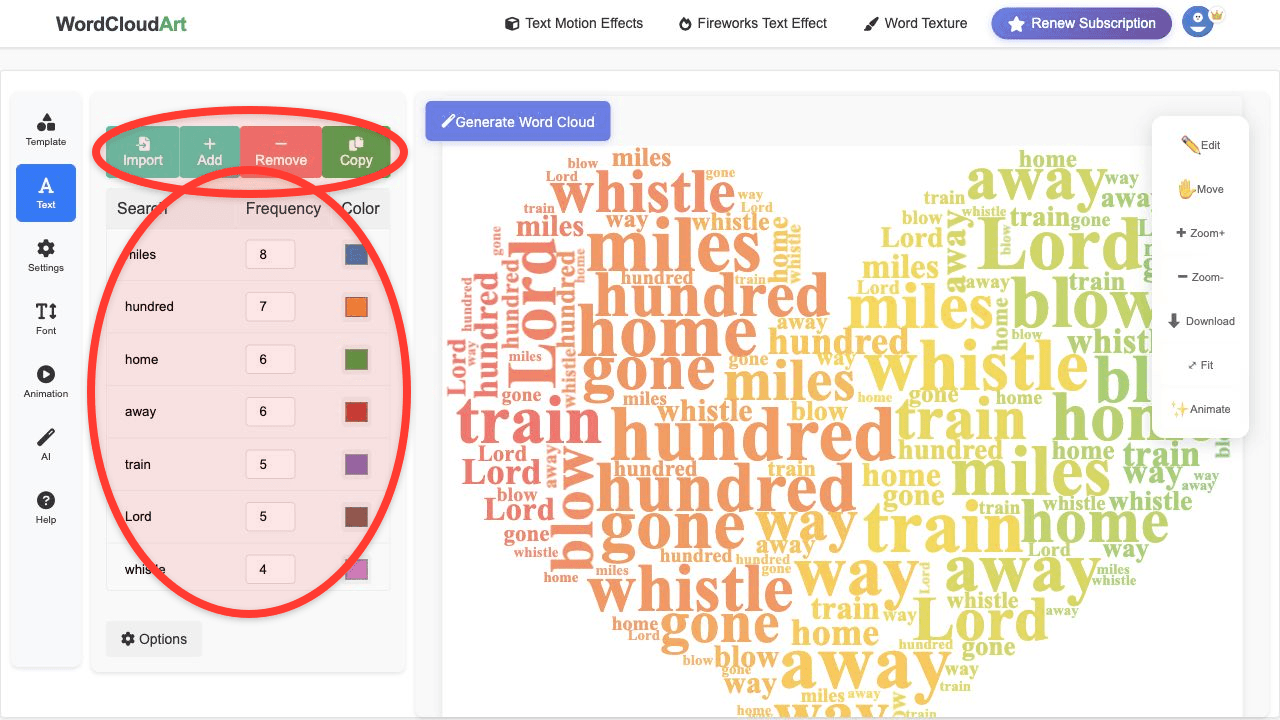
- Paste the cleaned words into Wordcloud.art.
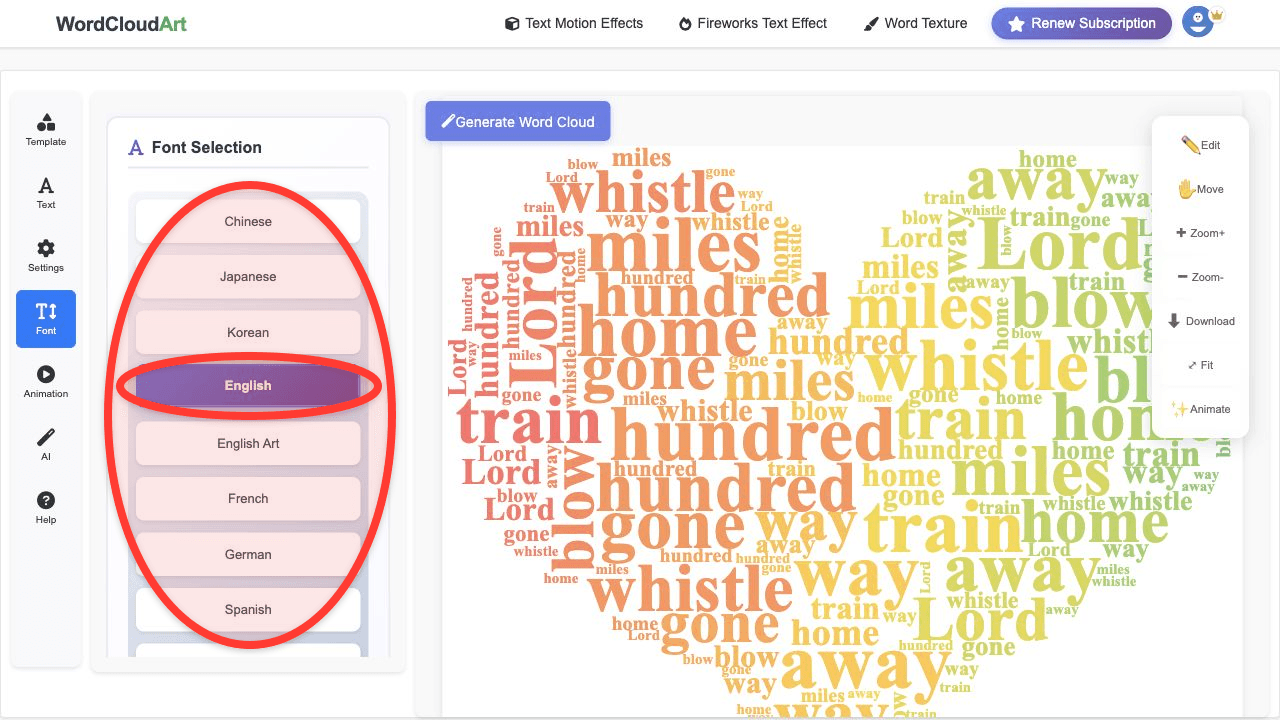
- Choose a template, font, palette, and export format for the final audience.
Python Example Input
from collections import Counter
words = ["support", "delivery", "support", "price", "quality", "support"]
counts = Counter(words)
for word, count in counts.most_common():
    print(word, count)
The output can be copied into Wordcloud.art as weighted keywords. This gives you reproducible preprocessing and a more flexible visual design workflow.
Python Word Cloud Workflow
- Load your text data.
- Clean the text and remove stop words.
- Count word frequency.
- Generate a word cloud with a Python library.
- Export the result as an image.
This path is best for data science projects, notebooks, and repeatable pipelines. It takes more setup, but it gives full control over preprocessing.
R Word Cloud Workflow
- Load text into R.
- Tokenize and clean the text.
- Create a frequency table.
- Render the cloud with an R visualization package.
- Export the plot for your report.
When Wordcloud.art Is Faster
- You need custom shapes without building masks in code.
- You need art fonts, color palettes, 3D effects, or animation.
- You are creating one polished visual rather than a repeatable analysis pipeline.
- You want to export and place the cloud into PowerPoint, Google Slides, or Canva quickly.
FAQ
How do I generate a word cloud in Python?
Use Python to clean text, count words, render a word cloud with a library, and save the result as an image.
How do I generate word clouds in R?
Use R to tokenize text, build a frequency table, and render a word cloud with an R visualization package.
Can I use Python output in Wordcloud.art?
Yes. Export your cleaned keywords and weights from Python, then paste them into Wordcloud.art for visual styling.