How to Generate a Word Cloud from Excel Data
Why Excel Is a Good Starting Point
Excel is useful for cleaning data, counting keywords, and preparing weighted lists. It is not a design tool for shaped word clouds, so the best workflow is to prepare the data in Excel and create the visual in Wordcloud.art.
Excel example: survey keywords
Imagine you exported 200 customer survey responses. Count recurring topics in Excel, then create a two-column table like this:
customer service 42
delivery speed 31
price 28
mobile app 24
refund 17
packaging 12
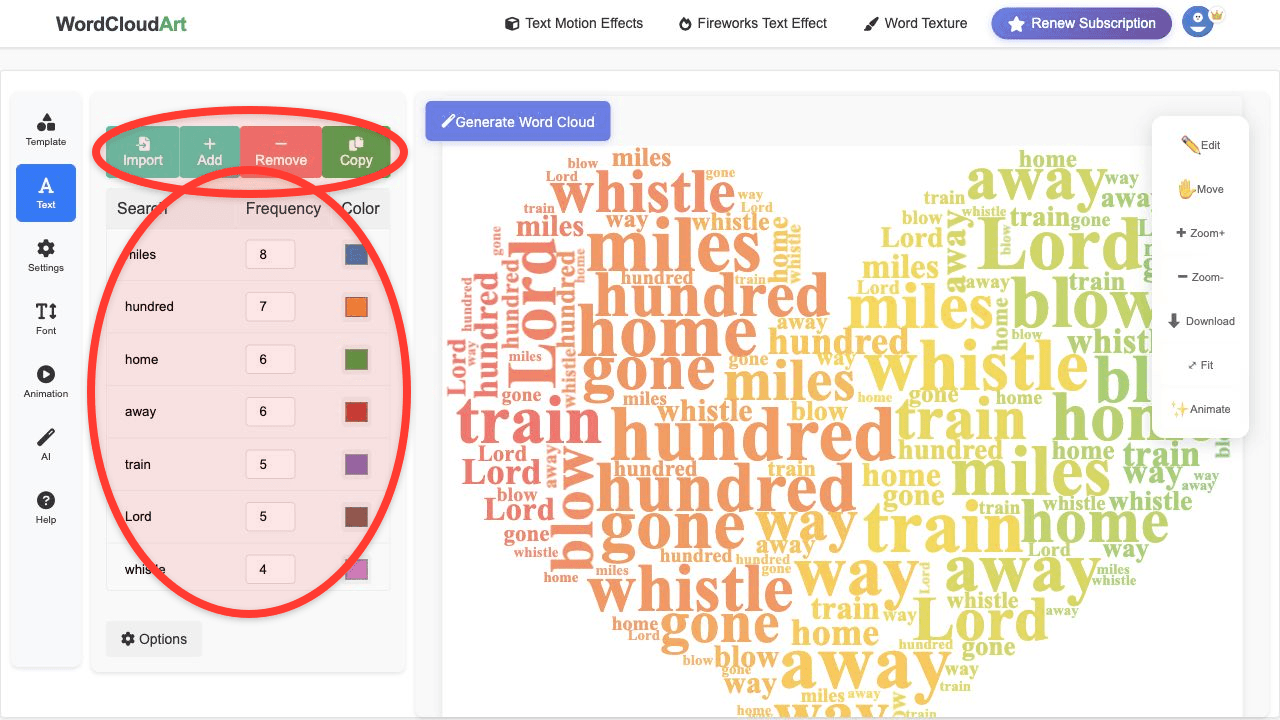
Copy the cleaned terms into Wordcloud.art. Use the count column as the frequency or weight for each word.
Prepare Your Excel Data
- Put each keyword or phrase in one column.
- Put frequency or importance weight in the next column.
- Combine phrases that should stay together, such as "user research" or "customer support".
- Remove empty rows, duplicate labels, and low-value words.
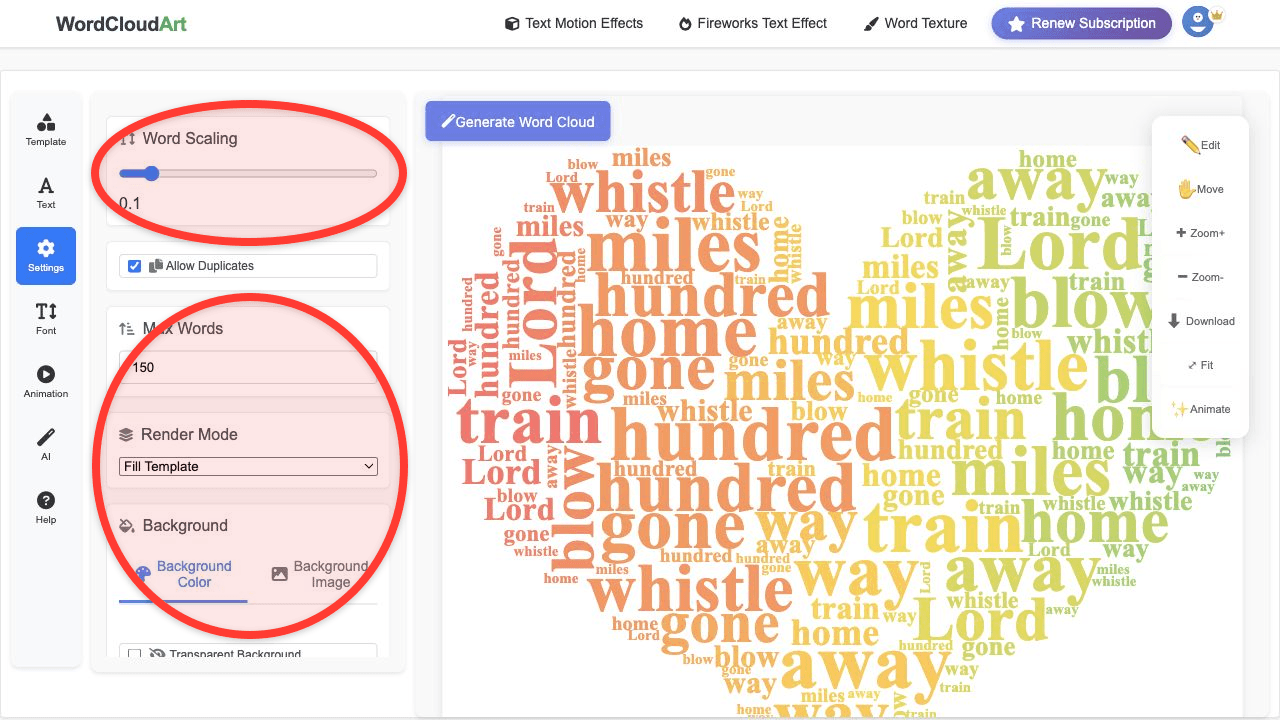
- Copy the cleaned list into Wordcloud.art and render the cloud.
Example Spreadsheet Structure
| Keyword | Weight |
|---|---|
| customer service | 42 |
| price | 28 |
| delivery speed | 19 |
FAQ
Can I generate a word cloud directly in Excel?
Excel can prepare and count text data, but a dedicated word cloud generator gives better shapes, colors, fonts, and export quality.
Can I use weighted words from Excel?
Yes. Use your count or score column as word weight so the exported cloud reflects your spreadsheet data.
What Excel data works best?
Survey responses, review tags, support categories, research codes, and keyword frequency tables work especially well.
What should I remove before pasting Excel data?
Remove IDs, timestamps, email addresses, blank rows, duplicated labels, and generic categories that do not help the final reader.